
Knowledge base / Helpdesk / Using the app
Ticket workspace
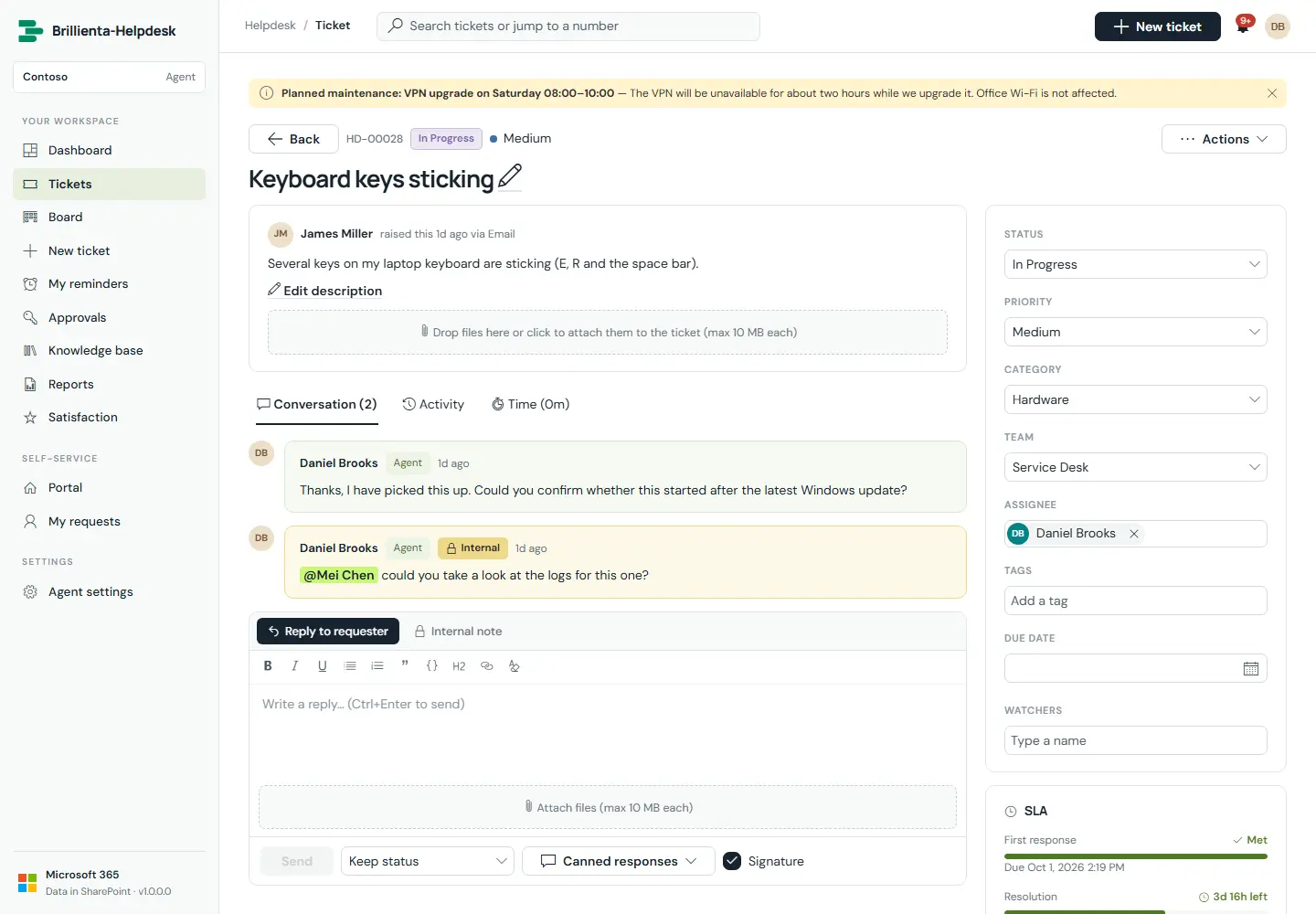
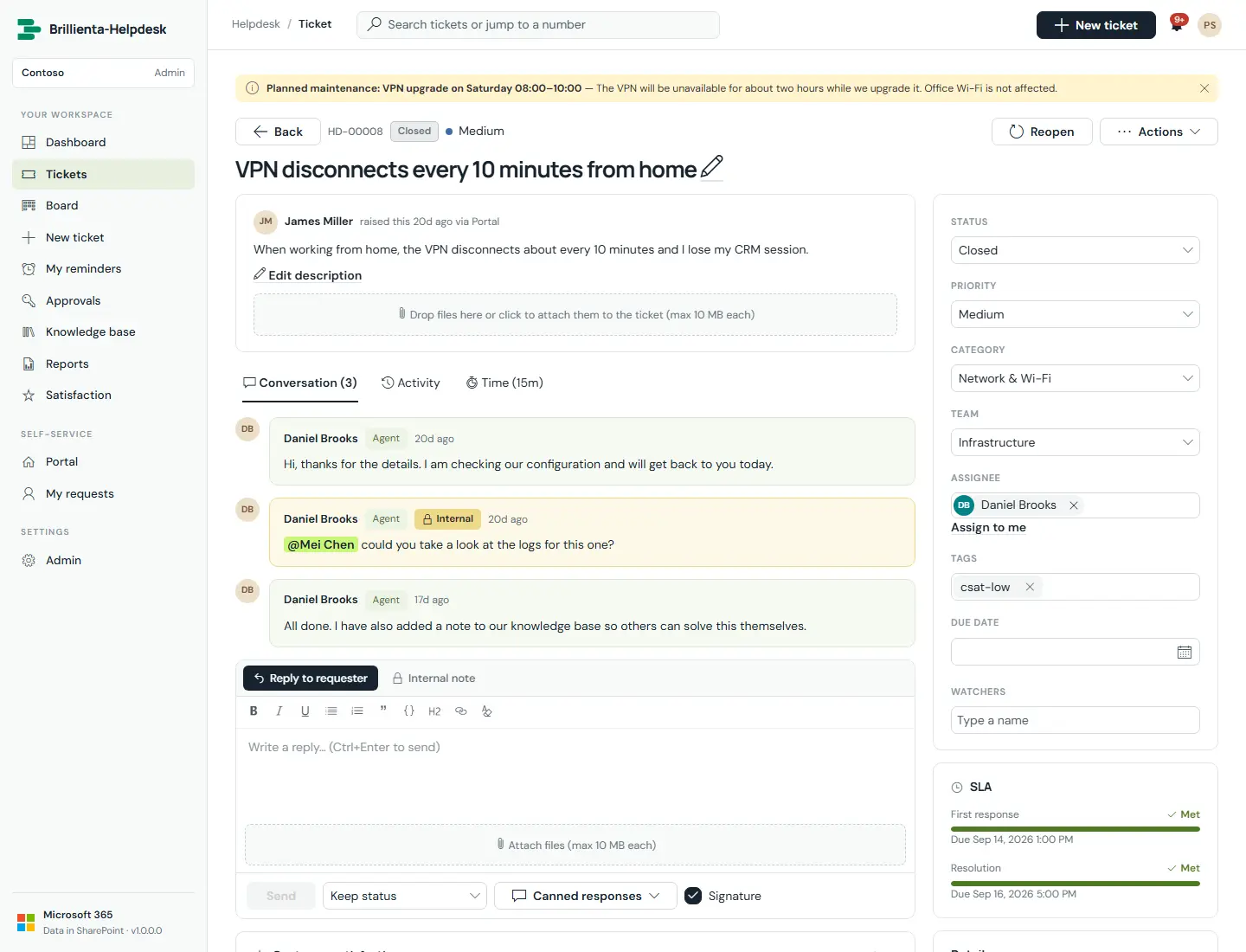
Everything about a ticket on one screen: public replies and internal notes with @mentions, canned responses with placeholders, macros, signatures, Ctrl+Enter to send, activity log, attachments, editable subject, property sidebar, SLA countdown bars and requester history.
How it works
- Merge duplicates, link parent/child/related tickets, log billable time, create a KB article from the ticket, set a personal reminder, copy the secure link, or delete to the recycle bin.
- Every change is written to the activity log with who made it and the old and new values.
Still need help?Our team answers product questions by email, and we can walk you through it on a call.
Open in the full guideContact support