
Knowledge base / Helpdesk / Using the app
Portal home
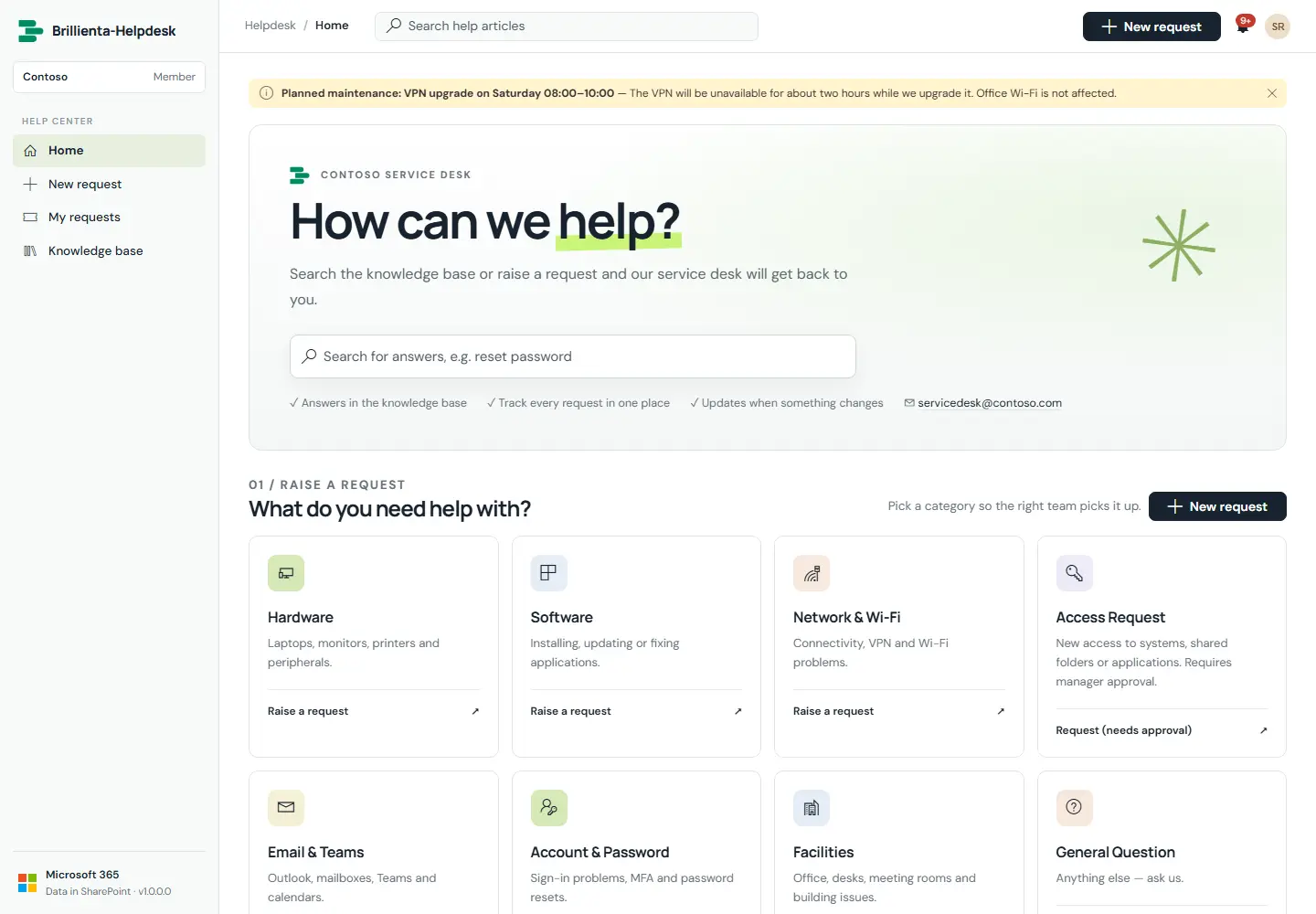
The branded help centre employees start from: announcements at the top, knowledge-base search, one catalogue tile per category, and a summary of their own requests on the side. Requesters see only the Help center menu; agent tools stay out of their way.
How it works
- Announcements (Admin → Announcements) carry a start and end time, an audience and a severity.
- Categories that need approval say so on the tile; hidden categories never appear here.
- Organisation name, logo, banner, title and welcome text come from Admin → General.
- Maintenance mode pauses new requests with a message from General.
Still need help?Our team answers product questions by email, and we can walk you through it on a call.
Open in the full guideContact support