
Knowledge base / Helpdesk / Administration
Routing rules
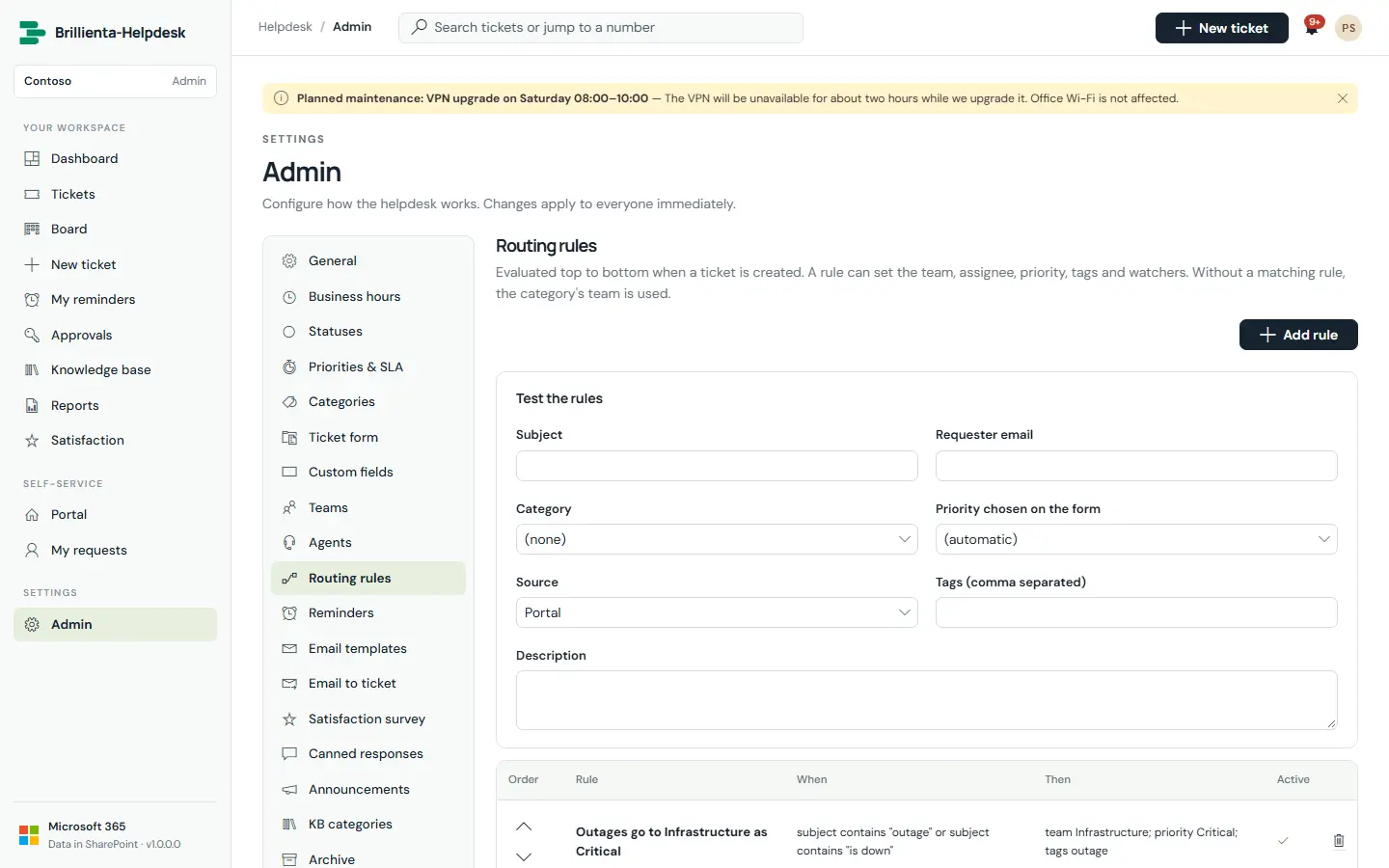
Rules with all/any conditions on category, service, sub-service, priority, subject, description, requester email, source, tag and custom fields — setting team, assignee, priority, tags and watchers. A built-in tester shows which rule a sample ticket would hit.
Still need help?Our team answers product questions by email, and we can walk you through it on a call.
Open in the full guideContact support