
Knowledge base / Helpdesk / Using the app
Ticket queue
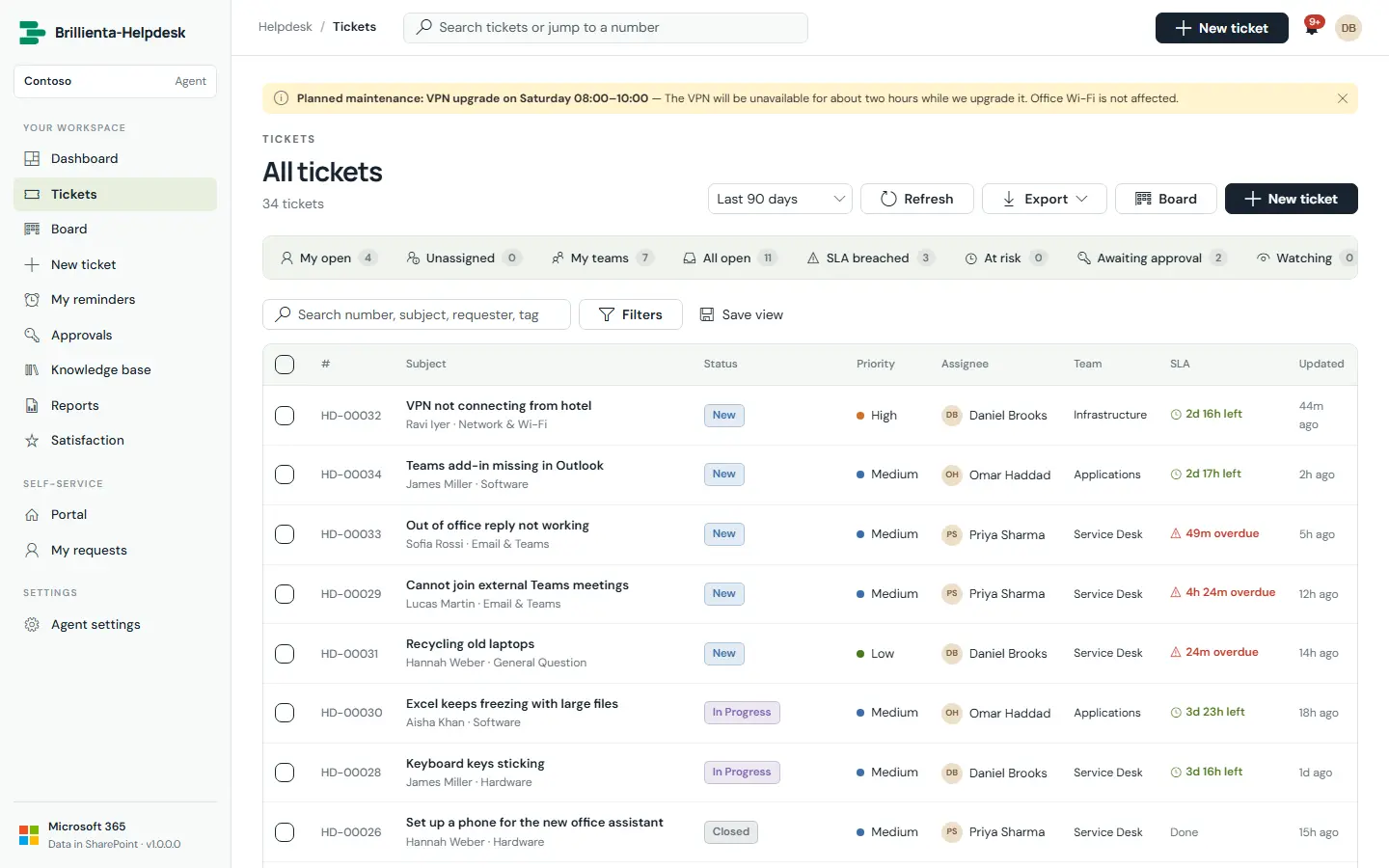
The agent work list: built-in views with live counts (My open, Watching, Unassigned, My teams, All open, Awaiting approval, SLA breached, At risk, Resolved, Closed, All), saved personal and shared views, search, inline filters, group-by, sorting, paging, confirmed bulk assign/status/priority/team, and export.
How it works
- Columns adapt to the width (cards on phones). Queries are threshold-safe past 5,000 items.
- Shortcuts:
/search,nnew ticket,gthend/t/r/b/kto move around.
Still need help?Our team answers product questions by email, and we can walk you through it on a call.
Open in the full guideContact support