
Knowledge base / Helpdesk / Administration
Email templates & flows
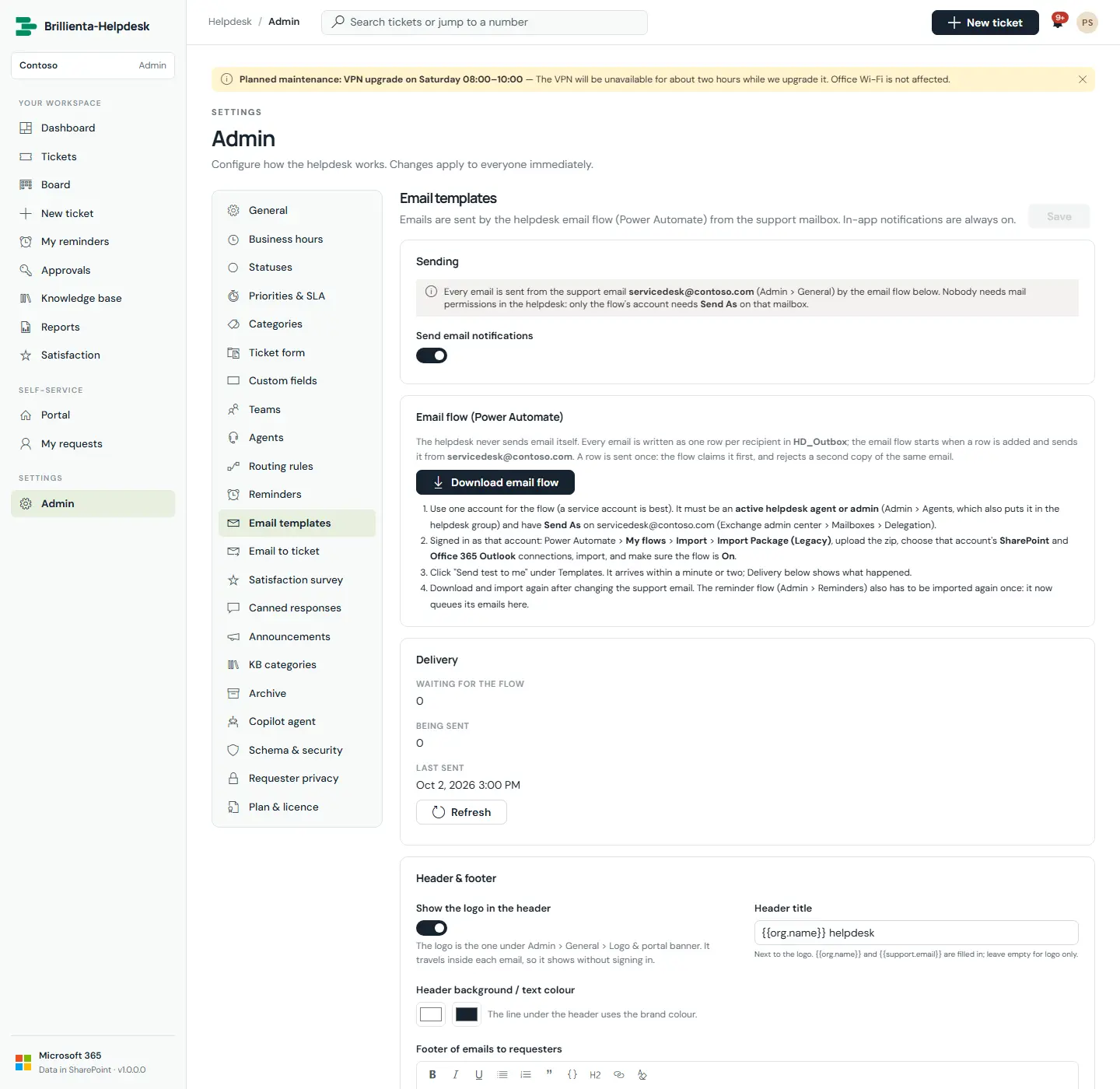
Master switch, branded header and separate requester/agent footers, and one template per event with enable toggle, subject, rich-text body, click-to-insert placeholders, reset to default, sandboxed preview and "Send test to me". Delivery shows what is waiting, sent, failed or rejected.
How it works
- Every email is one Outbox row, sent once by your Power Automate email flow from the support mailbox. Duplicates within 10 minutes are rejected.
- Placeholders include
{{ticket.number}},{{ticket.button}},{{comment}}and{{survey.buttons}}. Rows queued by requesters may only go to their ticket's people.
Still need help?Our team answers product questions by email, and we can walk you through it on a call.
Open in the full guideContact support