
Knowledge base / Helpdesk / Administration
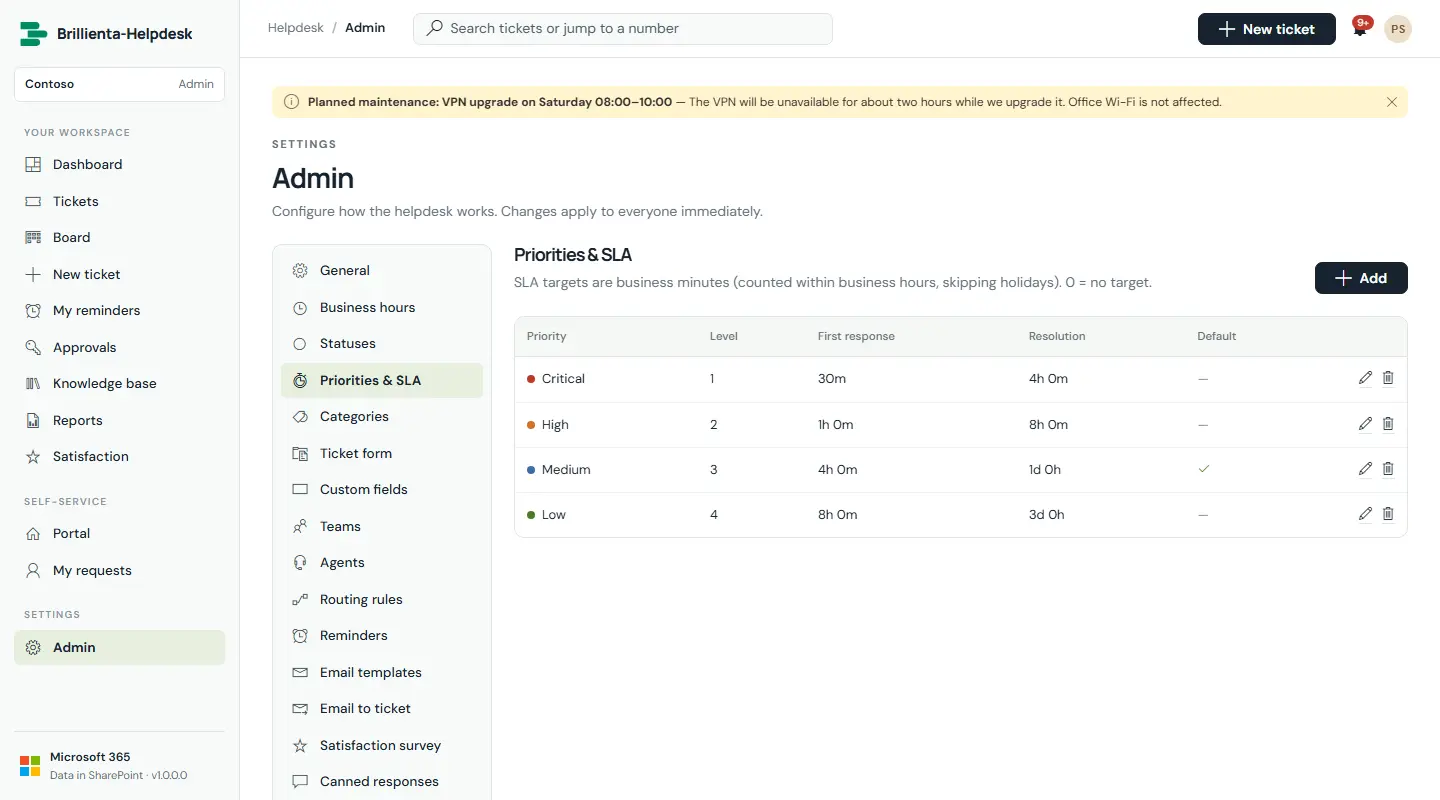
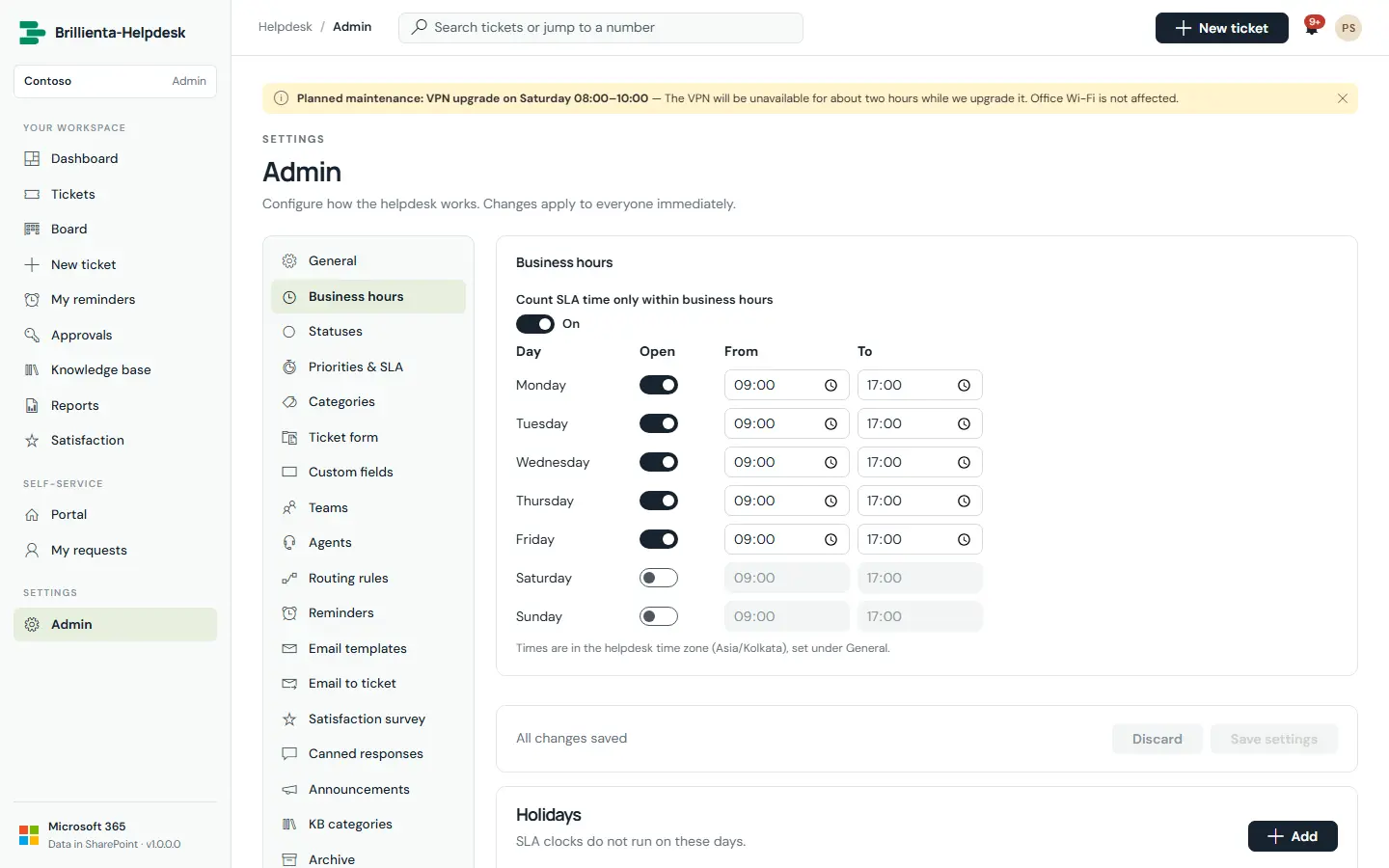
Priorities, SLA & business hours
Each priority has a first-response and a resolution target in business minutes. Time counts only inside business hours in the helpdesk time zone, skipping evenings, weekends and holidays — DST-safe. The clock pauses while a ticket waits for the customer.
How it works
- At 75% agents get a warning; at 90% the ticket escalates to team leads; at 100% it is marked breached. Resolved tickets auto-close after a set number of days.
- SLA checks run in any agent's open browser every 5 minutes; escalation levels prevent duplicate alerts.
Still need help?Our team answers product questions by email, and we can walk you through it on a call.
Open in the full guideContact support