
Knowledge base / Helpdesk / Using the app
Satisfaction survey
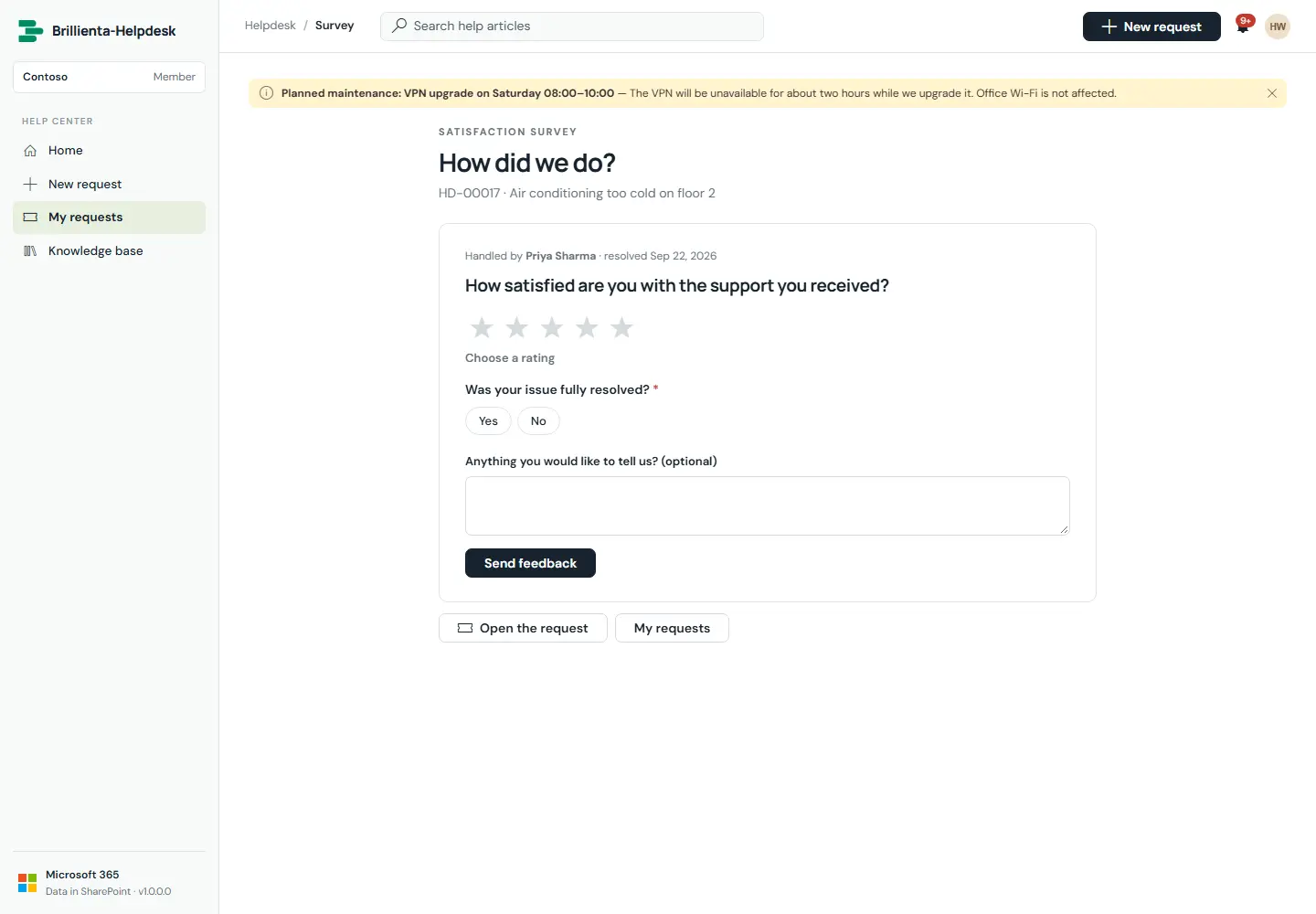
The survey sent automatically when a request is resolved: a rating (stars, faces or thumbs), follow-up questions that adapt to the score, and an optional comment. The invitation email carries one-click rating links.
How it works
- Low scores can alert team leads, open a follow-up, tag the ticket and optionally reopen it.
- Admins choose whether requesters may change their answer until the survey closes.
Still need help?Our team answers product questions by email, and we can walk you through it on a call.
Open in the full guideContact support