
Knowledge base / TaskManager / Administration
Setup wizard
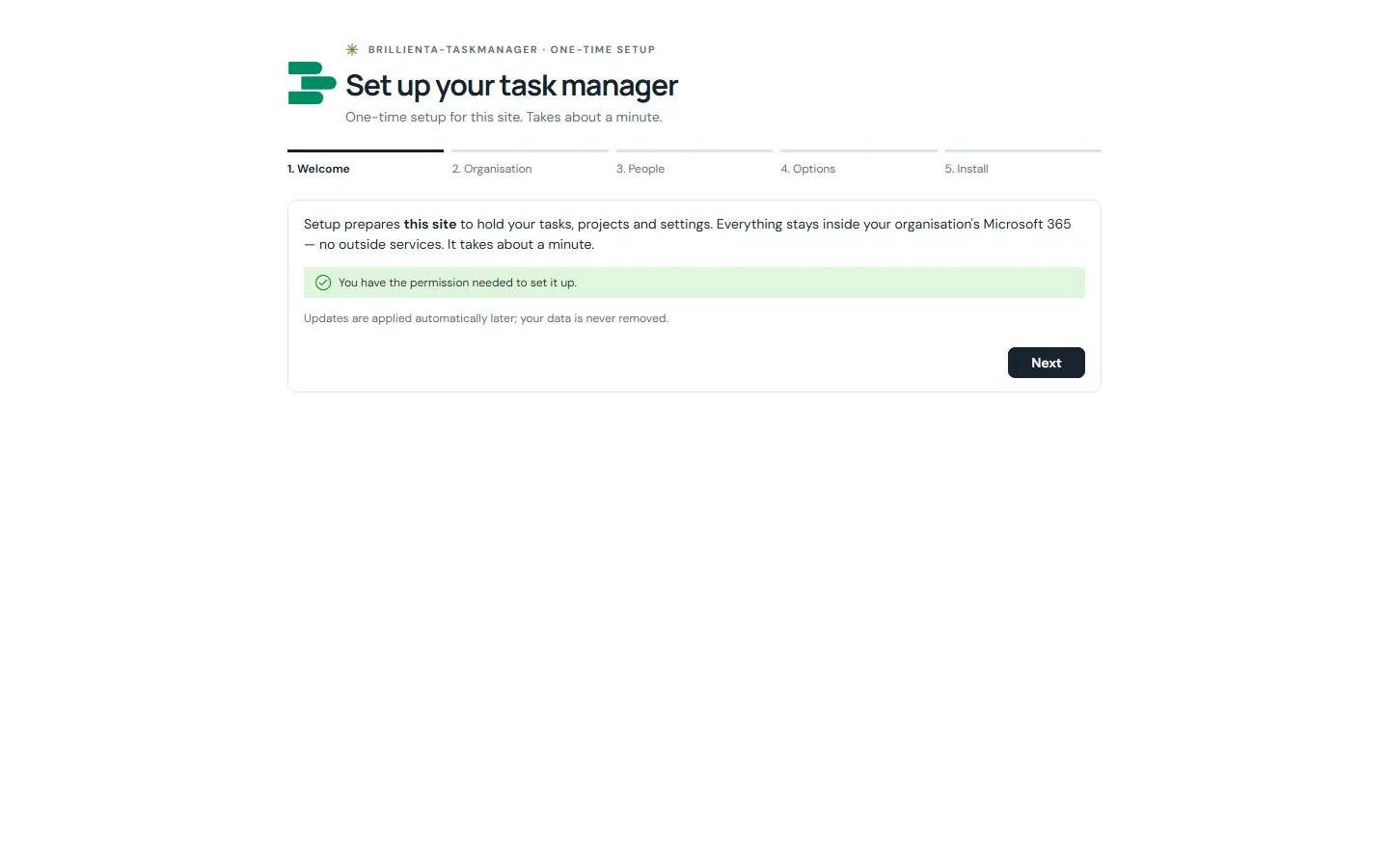
The first time a site owner (Manage Lists permission) opens the page, a five-step wizard shows the 26 lists it will create (prefix TM_) and checks permissions; asks for organisation name, task number prefix, time zone, headline, brand colour and working hours; adds other admins, managers and members; optionally adds starter content (teams, categories, task and project templates, automations, a Getting started project), chooses features, turns on email and secures the lists. Safe to re-run — it continues where it stopped.
Still need help?Our team answers product questions by email, and we can walk you through it on a call.
Open in the full guideContact support