
Knowledge base / TaskManager / Administration
Workspace & how work flows
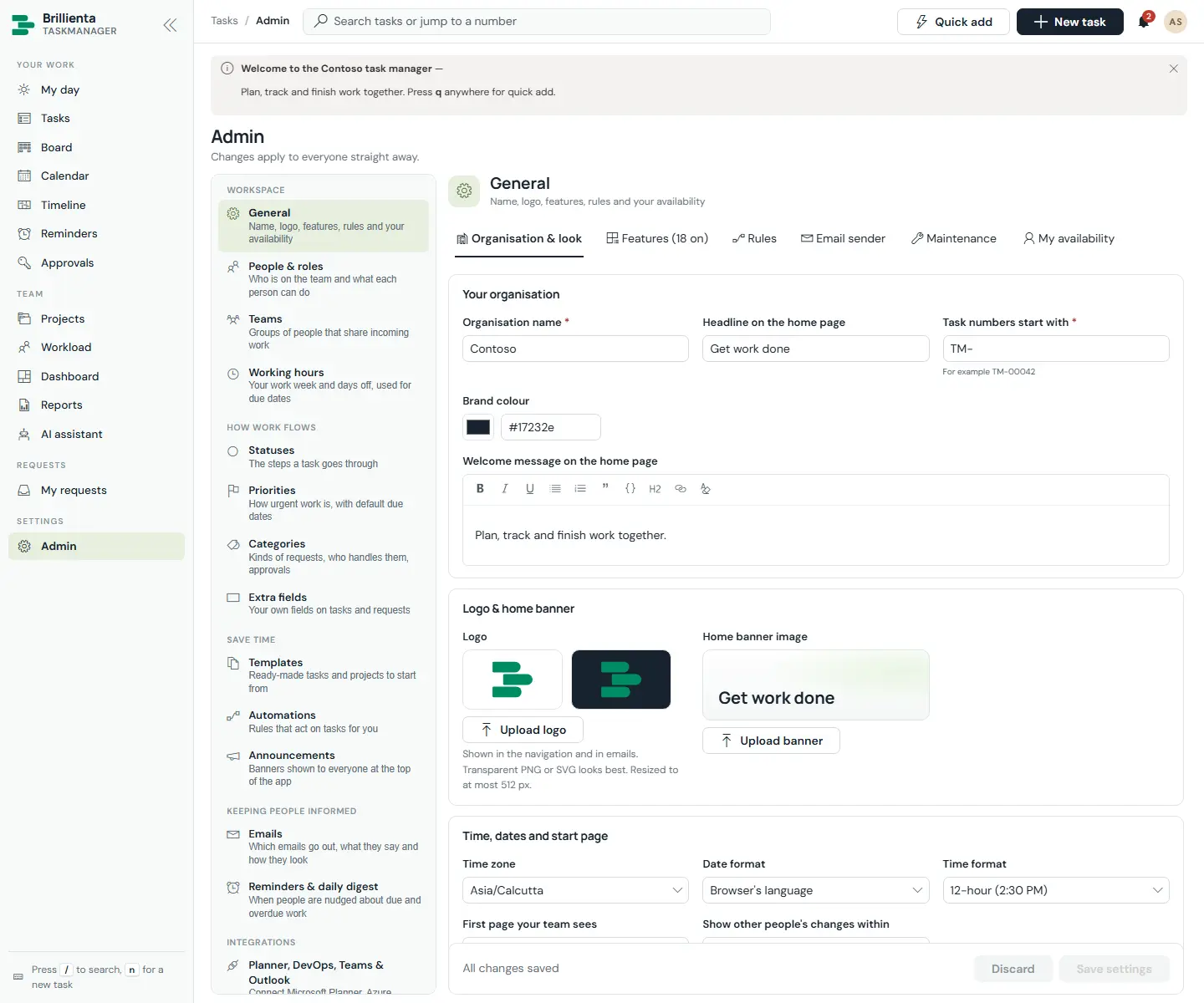
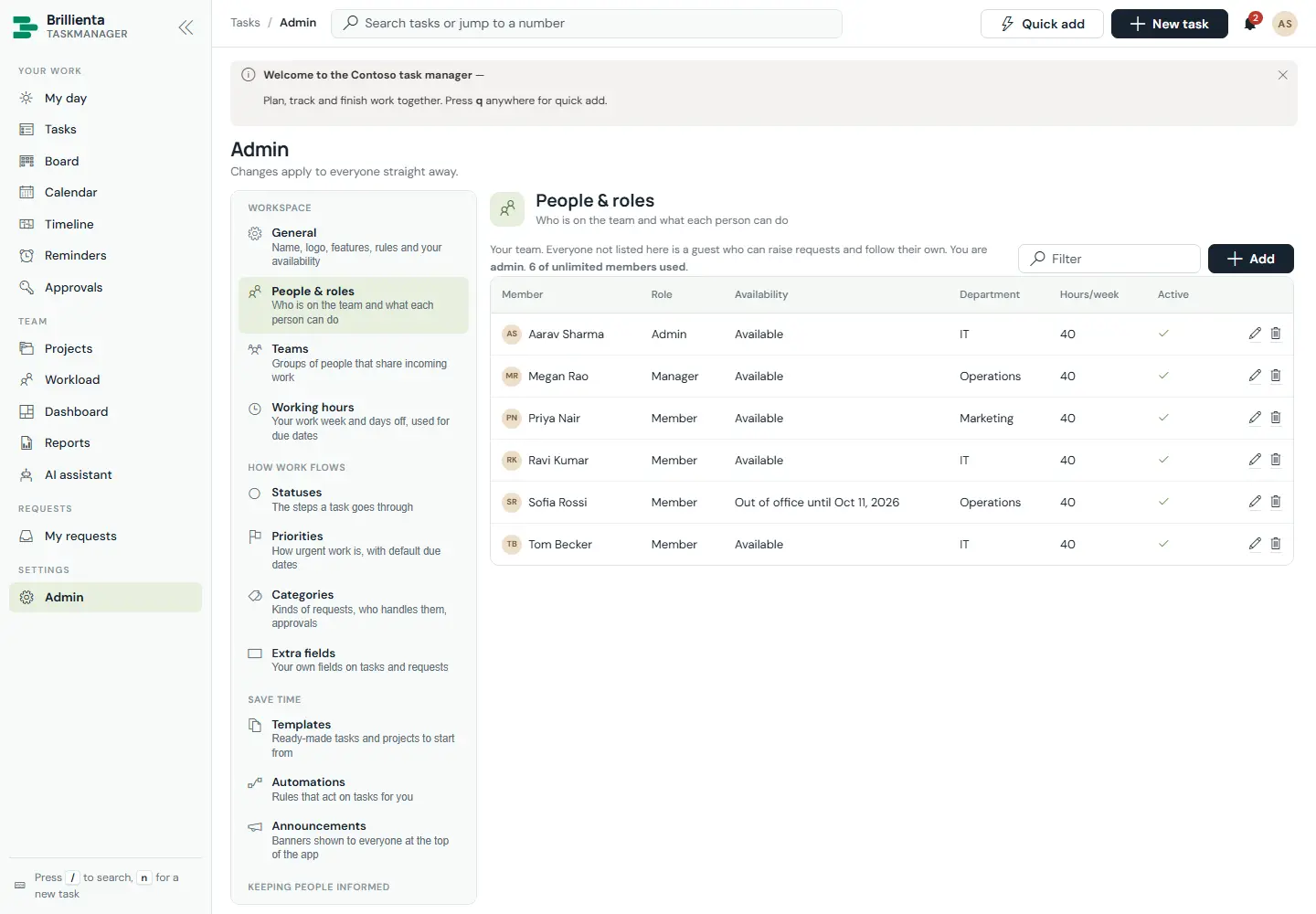
General covers organisation & look, features, workflow rules, email sender, maintenance and availability. People & roles manages members, roles, availability and seats (saving a member puts them in the matching SharePoint group). Teams share incoming work with Load-balanced, Round-robin, Smart or Manual strategies, out-of-office delegates and per-person active-task caps. Working hours (week plus holidays) drives due dates, reminders and risk. Statuses are the board columns with WIP limits; Priorities carry default due-in days; Categories define kinds of request with teams, checklists and approvals; Extra fields add custom Text/Note/Number/Date/Choice/Boolean per category or project.
Still need help?Our team answers product questions by email, and we can walk you through it on a call.
Open in the full guideContact support