
Knowledge base / TaskManager / Using the app
Reminders & notifications
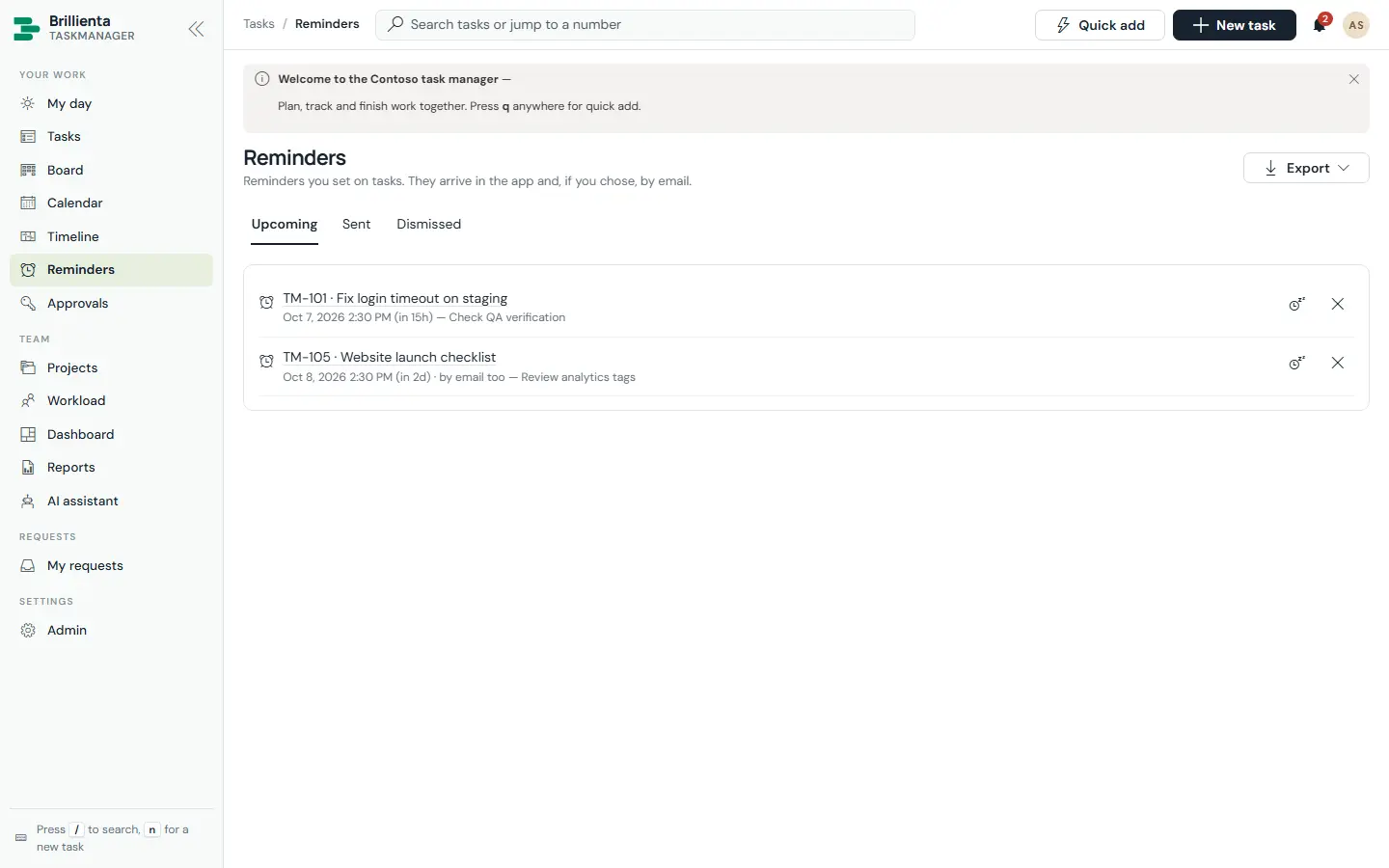
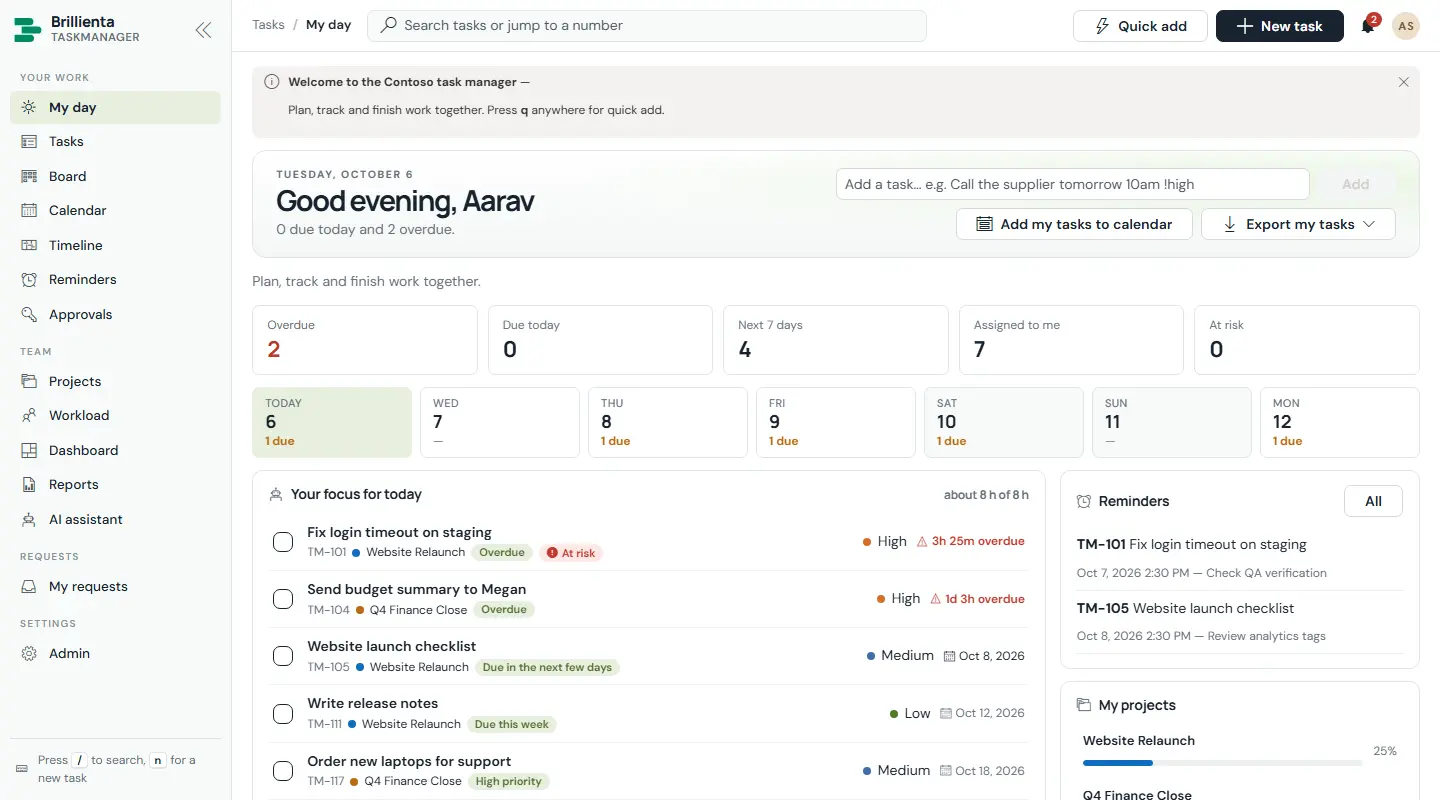
The in-app bell (real time) plus email from your mailbox once the email flow exists. Automatic reminders cover due-soon, overdue (repeating, then escalating to team leads and the project owner), starts-today, pending approval, unassigned, no-progress and still-waiting — each with first delay, repeat, maximum and working-time counting. A daily digest summarises overdue, due today, starting, approvals and at-risk items (managers get a Monday team summary). Personal Remind me on any task supports snooze; the Reminders page keeps Upcoming / Sent / Dismissed tabs.
Still need help?Our team answers product questions by email, and we can walk you through it on a call.
Open in the full guideContact support