
Knowledge base / TaskManager / Using the app
Approvals
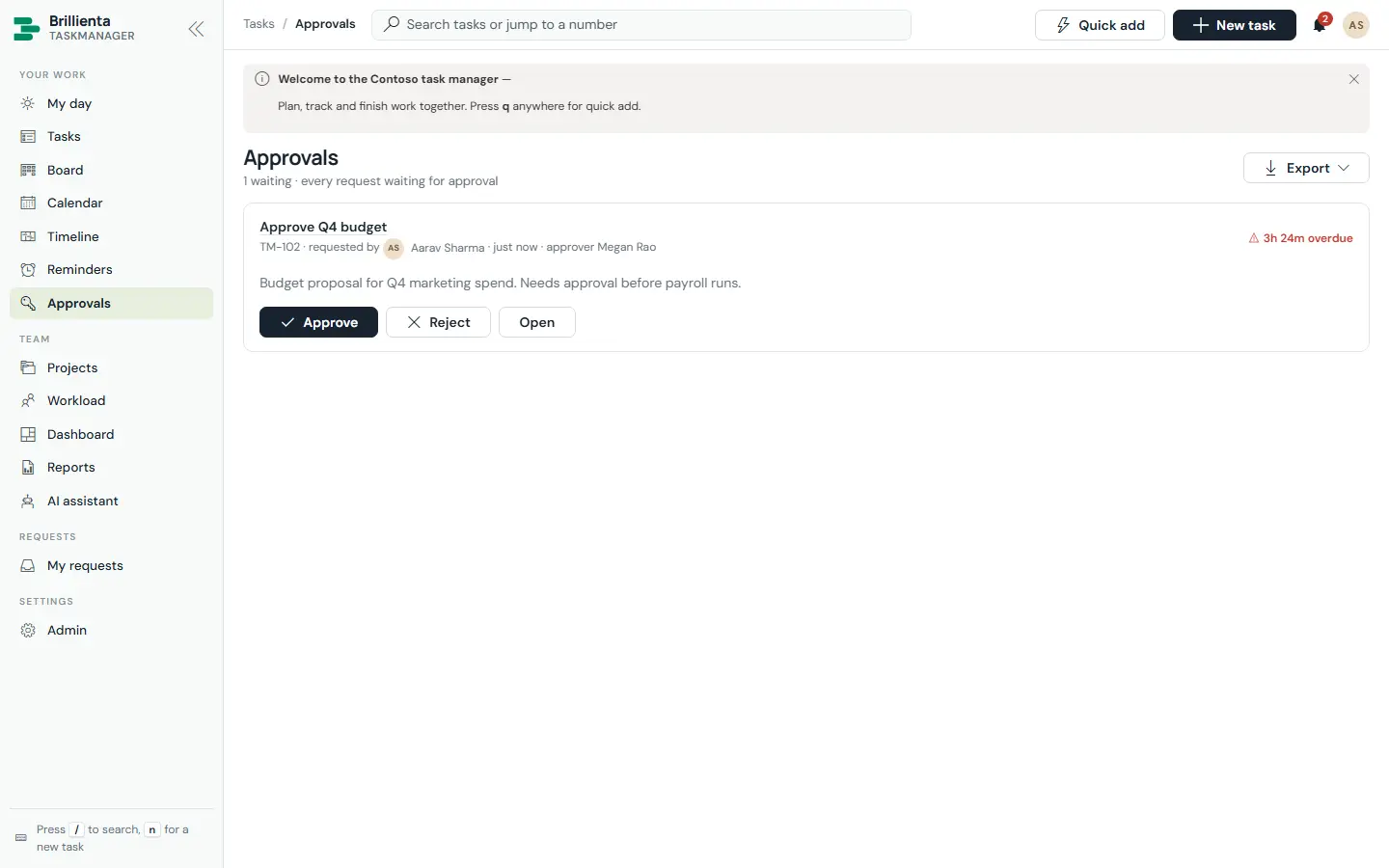
Categories can require approval by a named person, the requester's manager (from the directory) or the project owner. Approvers decide with a comment on the task or on the Approvals page; requesters are notified and the decision is logged to history.
Still need help?Our team answers product questions by email, and we can walk you through it on a call.
Open in the full guideContact support