
Knowledge base / TaskManager / Using the app
Board
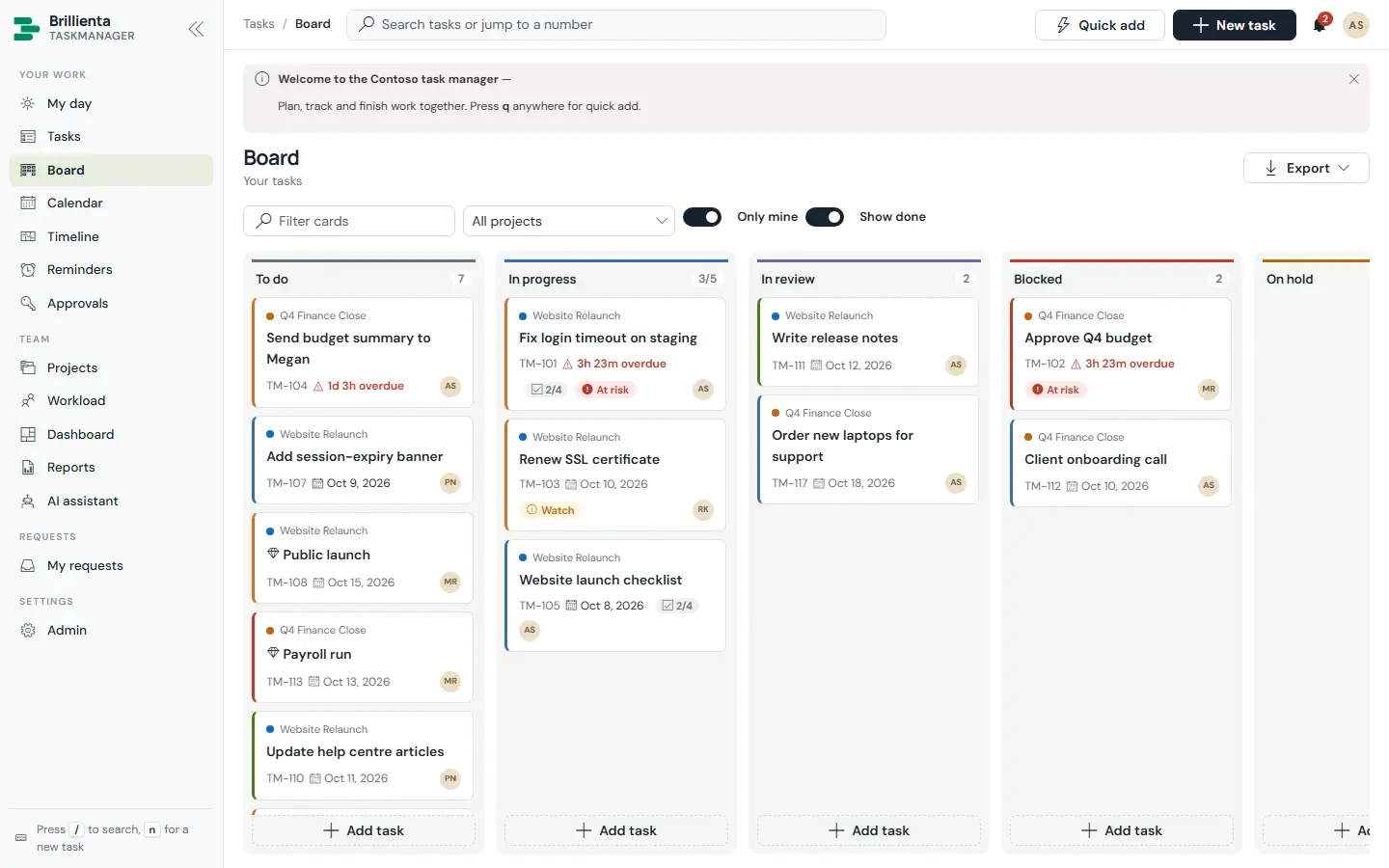
Kanban by status — or, inside a project with sections, by that project's sections. Drag and drop changes status (order is kept), with WIP limits per status, quick add per column, and only-mine / show-done filters. Cards show project, title, number, due chip, checklist progress, risk and assignee; a red edge marks high priority.
Still need help?Our team answers product questions by email, and we can walk you through it on a call.
Open in the full guideContact support