
Knowledge base / TaskManager / Using the app
AI assistant
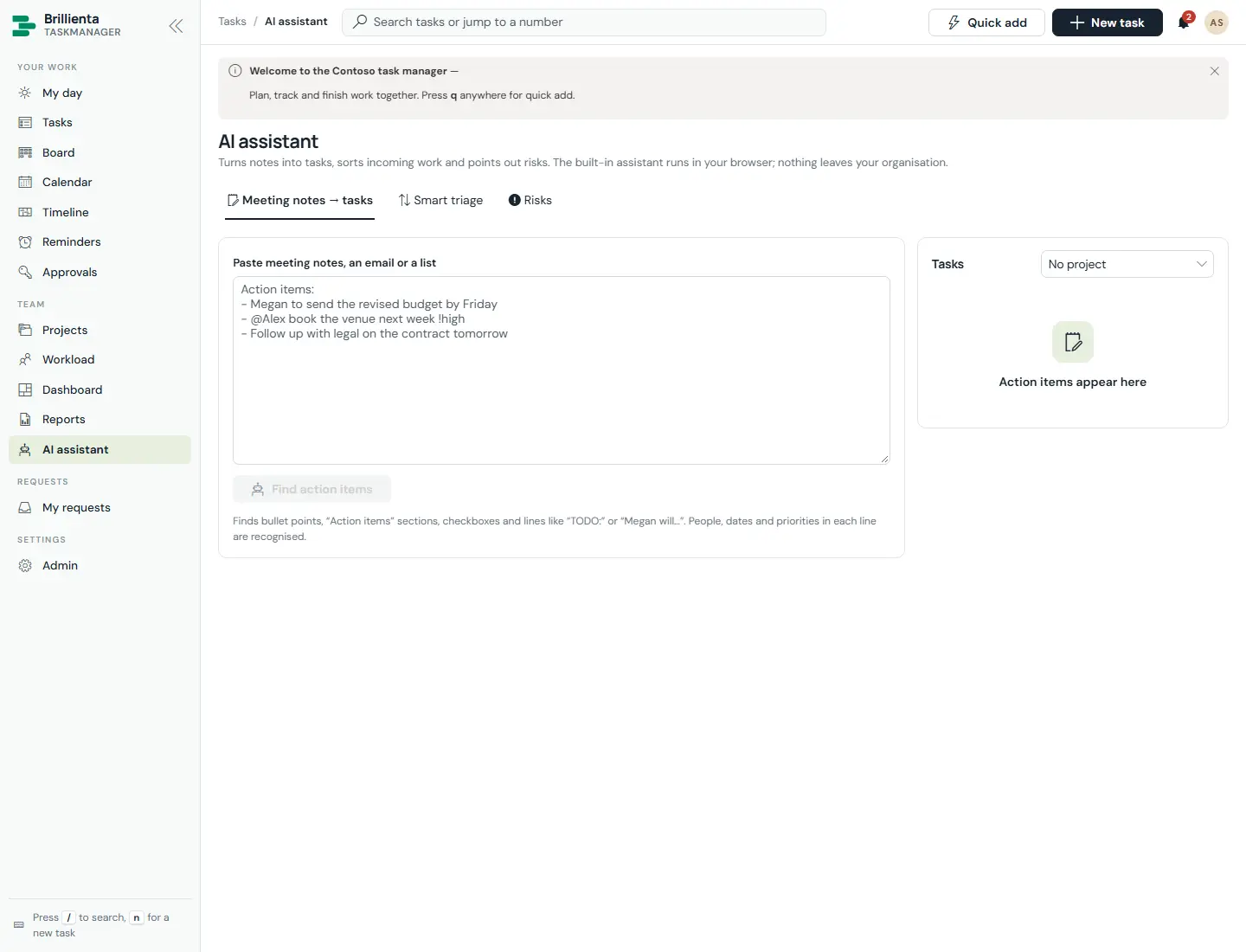
Built in, in the browser — nothing leaves SharePoint: quick add, suggestions, duplicate warnings, per-task risk scores with at-risk alerts, the daily focus plan, rebalancing, meeting notes → tasks, smart triage of unsorted work (optionally automatic above a confidence you choose) and conversation summaries. With your own Azure OpenAI deployment through the AI flow: summarise, subtasks, descriptions, status updates, action items and Ask AI about your work.
Still need help?Our team answers product questions by email, and we can walk you through it on a call.
Open in the full guideContact support