
Knowledge base / TaskManager / Using the app
Calendar
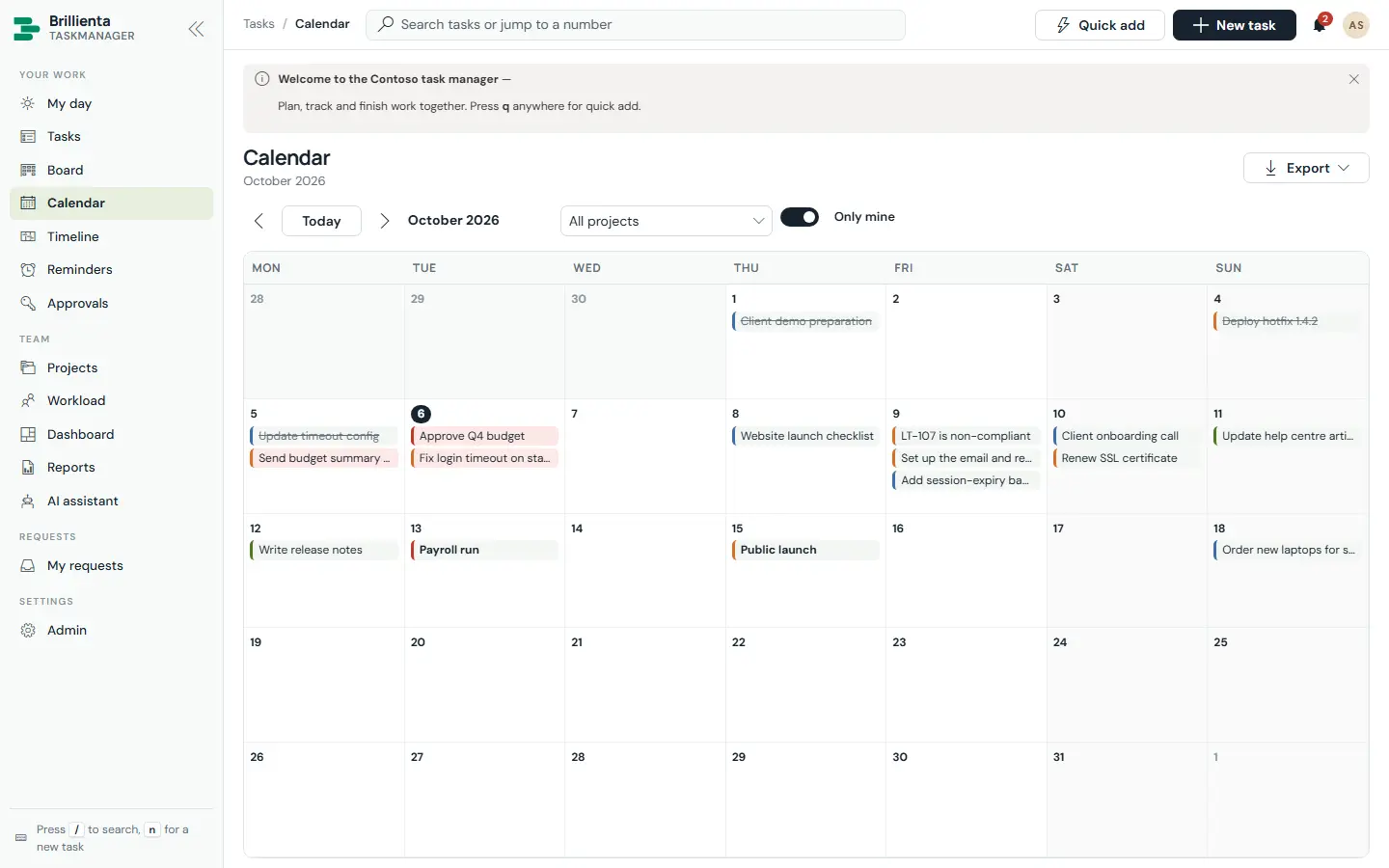
A month view of due dates with holidays and weekends marked. Drag a task to another day to re-date it (time kept; start shifts to stay before due); double-click an empty day to add a task due that day. Crowded days expand with +N more.
Still need help?Our team answers product questions by email, and we can walk you through it on a call.
Open in the full guideContact support