
Knowledge base / TaskManager / Administration
Save time: templates, automations, announcements
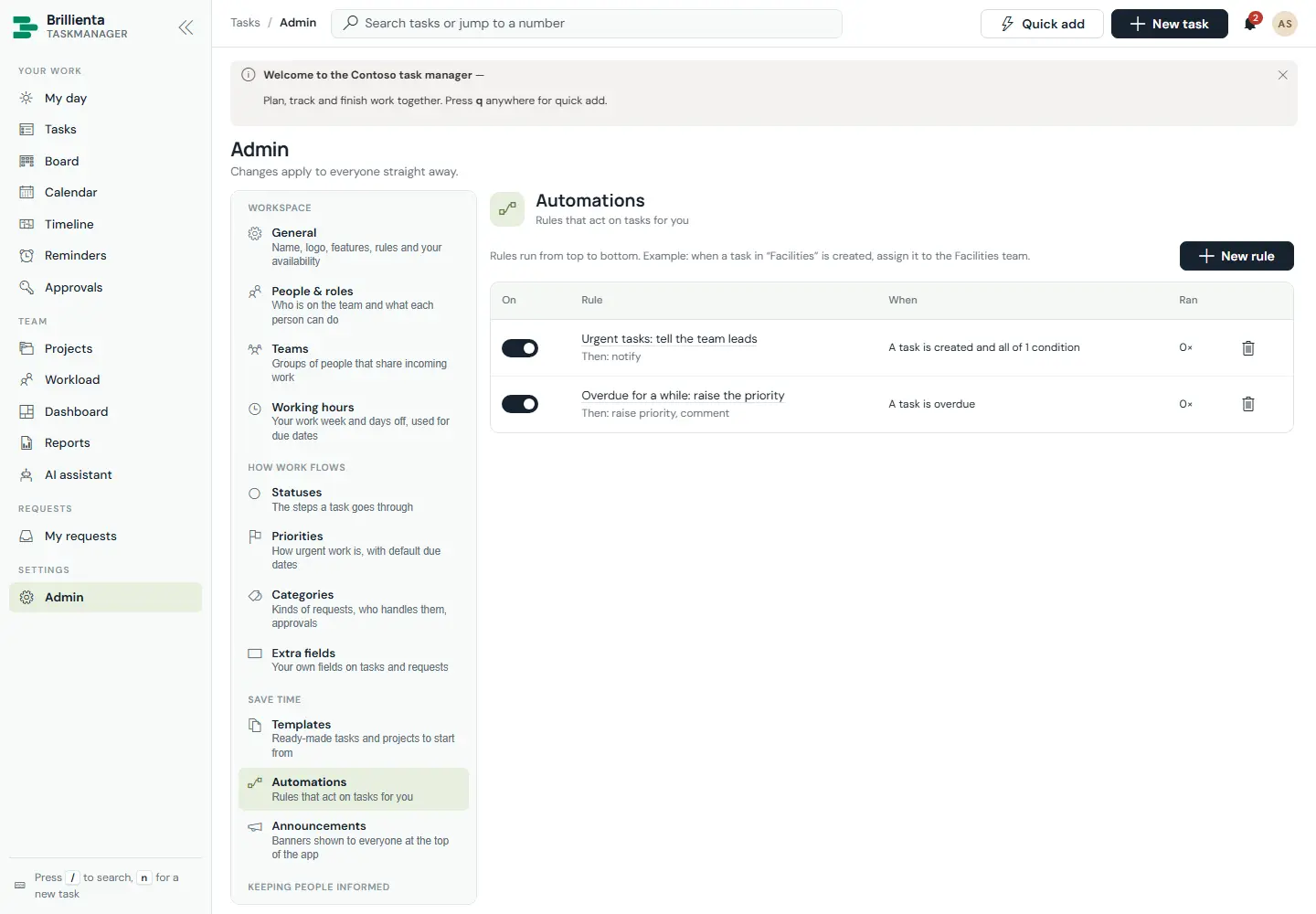
Task and project templates (like New laptop with its three subtasks, or Product launch) start work pre-filed. Automations fire on created, status changed, assigned, completed, commented, due soon and overdue, with all/any conditions, setting teams (by strategy), assignees, fields, dates, tags, checklist items, subtasks, comments, watchers and notifications. Announcements pin banners for everyone or members inside a time window.
Still need help?Our team answers product questions by email, and we can walk you through it on a call.
Open in the full guideContact support