
Knowledge base / TaskManager / Using the app
On a phone
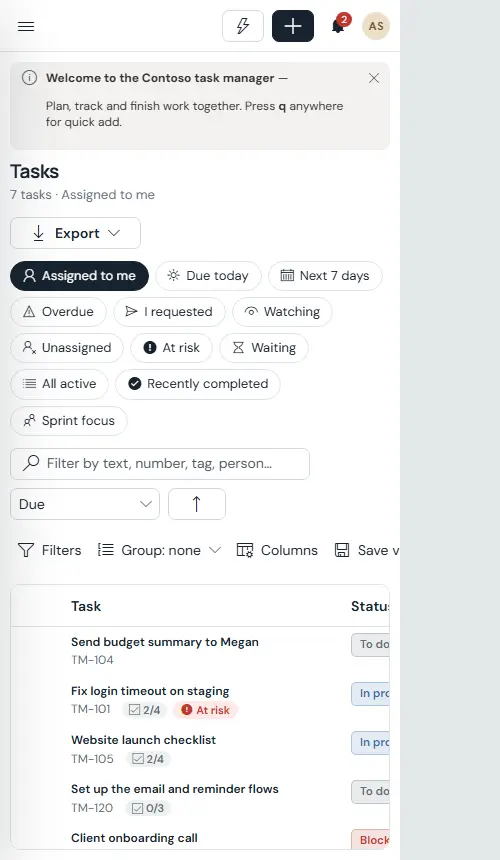
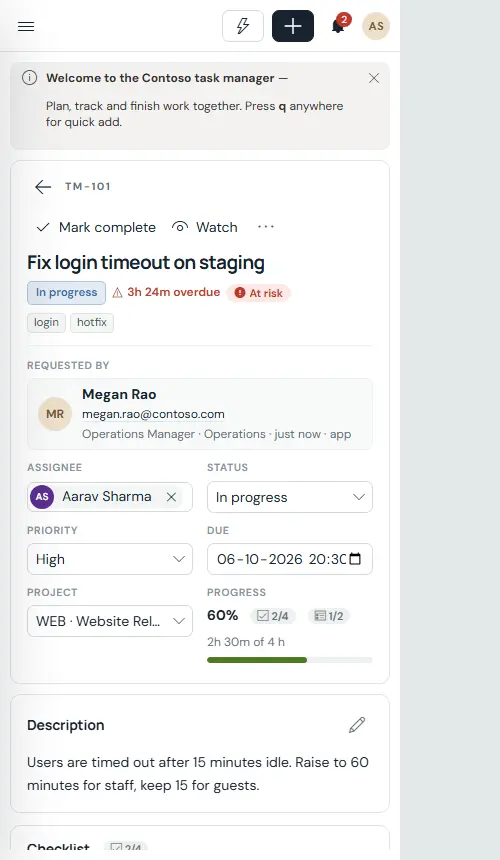
The layout fills the window and scrolls inside its own panels; grids add columns as the screen widens and stack on tablets and phones, where the menu becomes a drawer. The same tasks, board, calendar and approvals work one-handed.
Still need help?Our team answers product questions by email, and we can walk you through it on a call.
Open in the full guideContact support