
Knowledge base / Employee Directory / Using the app
Reports
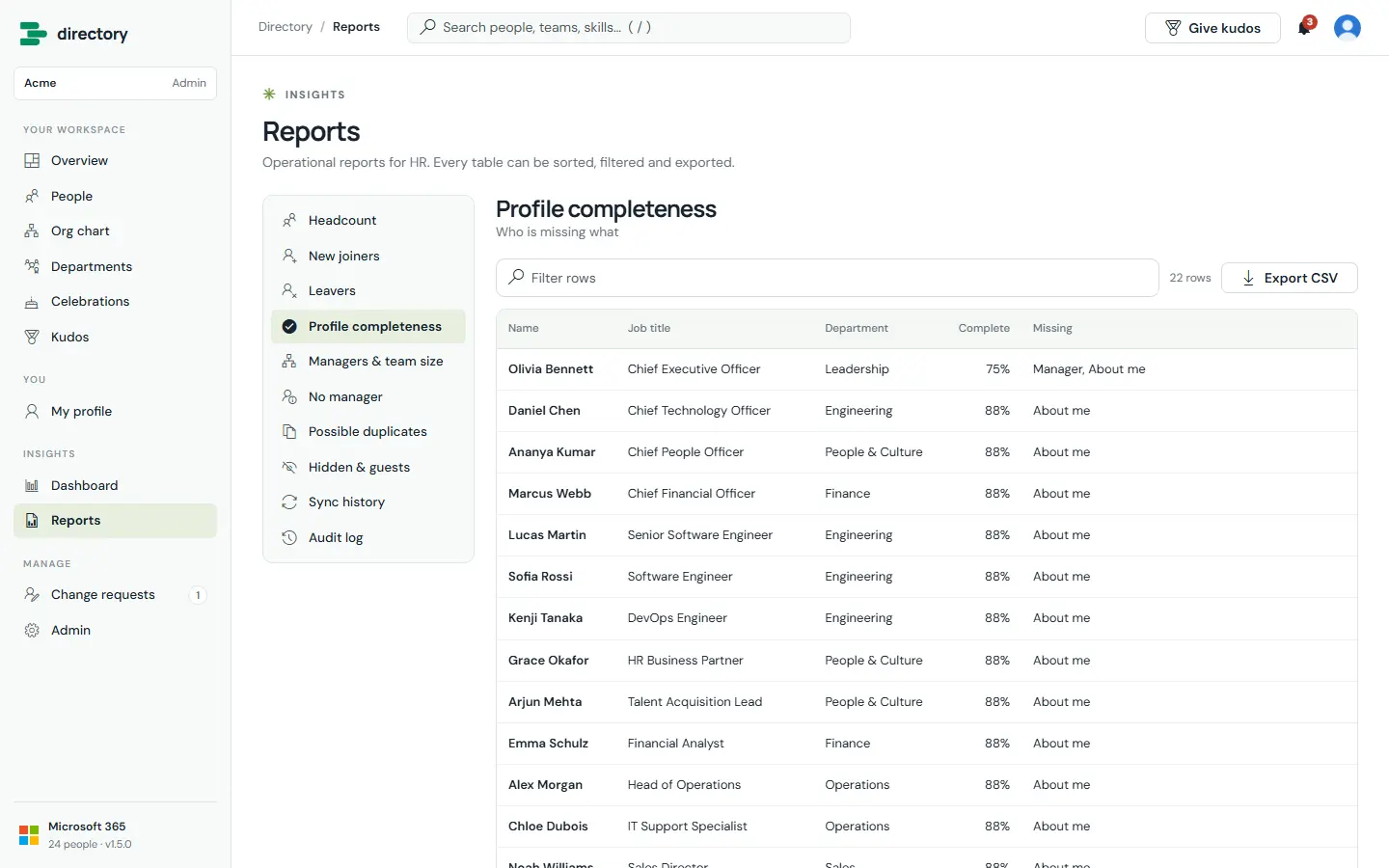
Ten operational reports for HR. Every report can be filtered, sorted and exported to CSV.
The reports
- Headcount (by any dimension)
- New joiners and leavers
- Profile completeness
- Managers & team size, and people with no manager
- Hidden people & guests
- Possible duplicates (Enterprise)
- Sync history (Enterprise)
- Audit log: setup, upgrades, settings, security, profile edits and approvals (Enterprise)
Still need help?Our team answers product questions by email, and we can walk you through it on a call.
Open in the full guideContact support