
Knowledge base / Employee Directory / Administration
Setup wizard
The first time a site owner opens the page, a five-step wizard sets everything up in about a minute: Welcome, Organisation, Access, Options and Install.
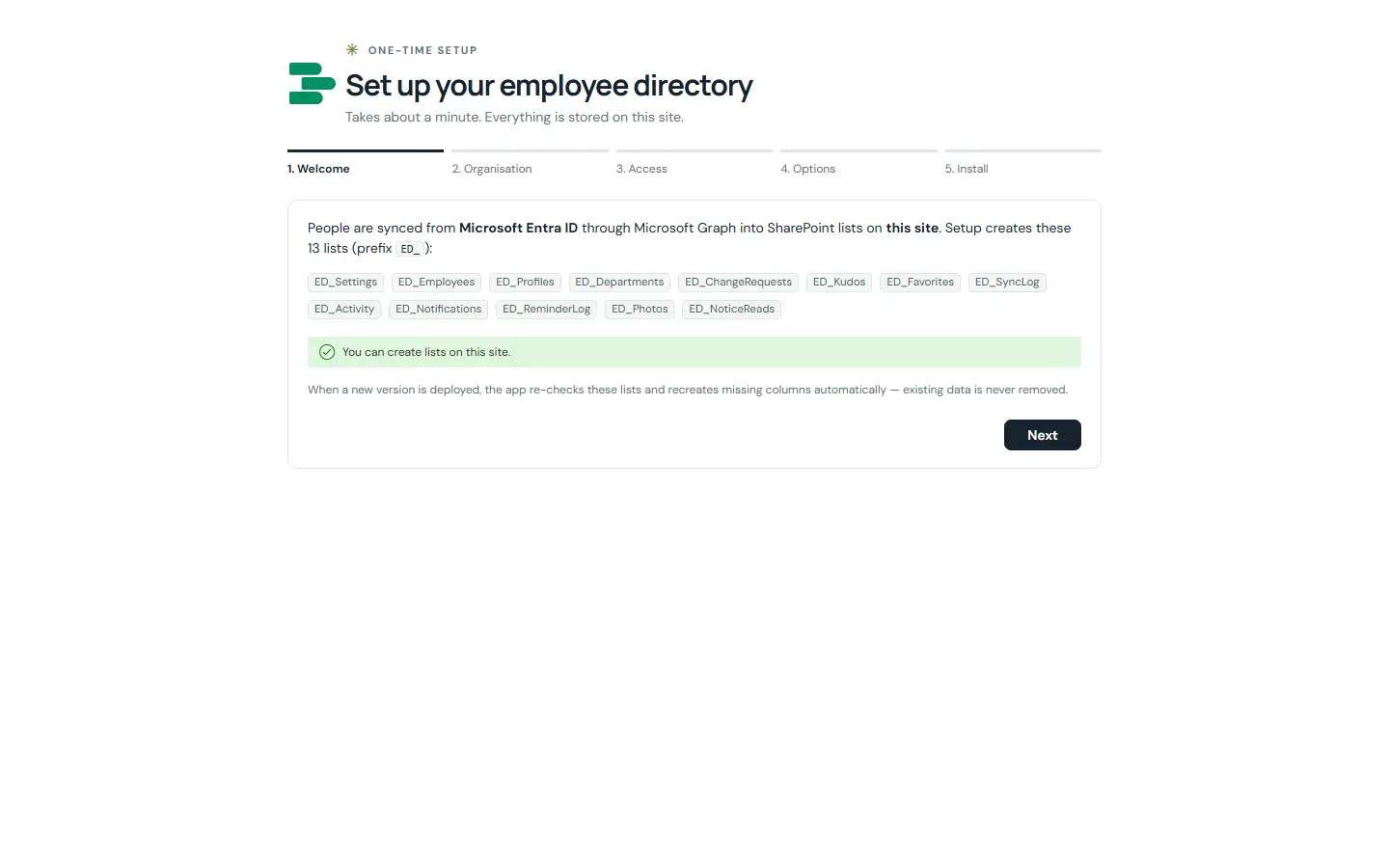
How it works
- Creates the lists, records your organisation name and the admins and HR people, and applies security.
- Can test the Microsoft Graph connection and run the first sync.
- Can add sample people, for a trial or a demonstration.
- Safe to run again: it continues where it stopped.
Still need help?Our team answers product questions by email, and we can walk you through it on a call.
Open in the full guideContact support