
Knowledge base / Employee Directory / Using the app
Profiles
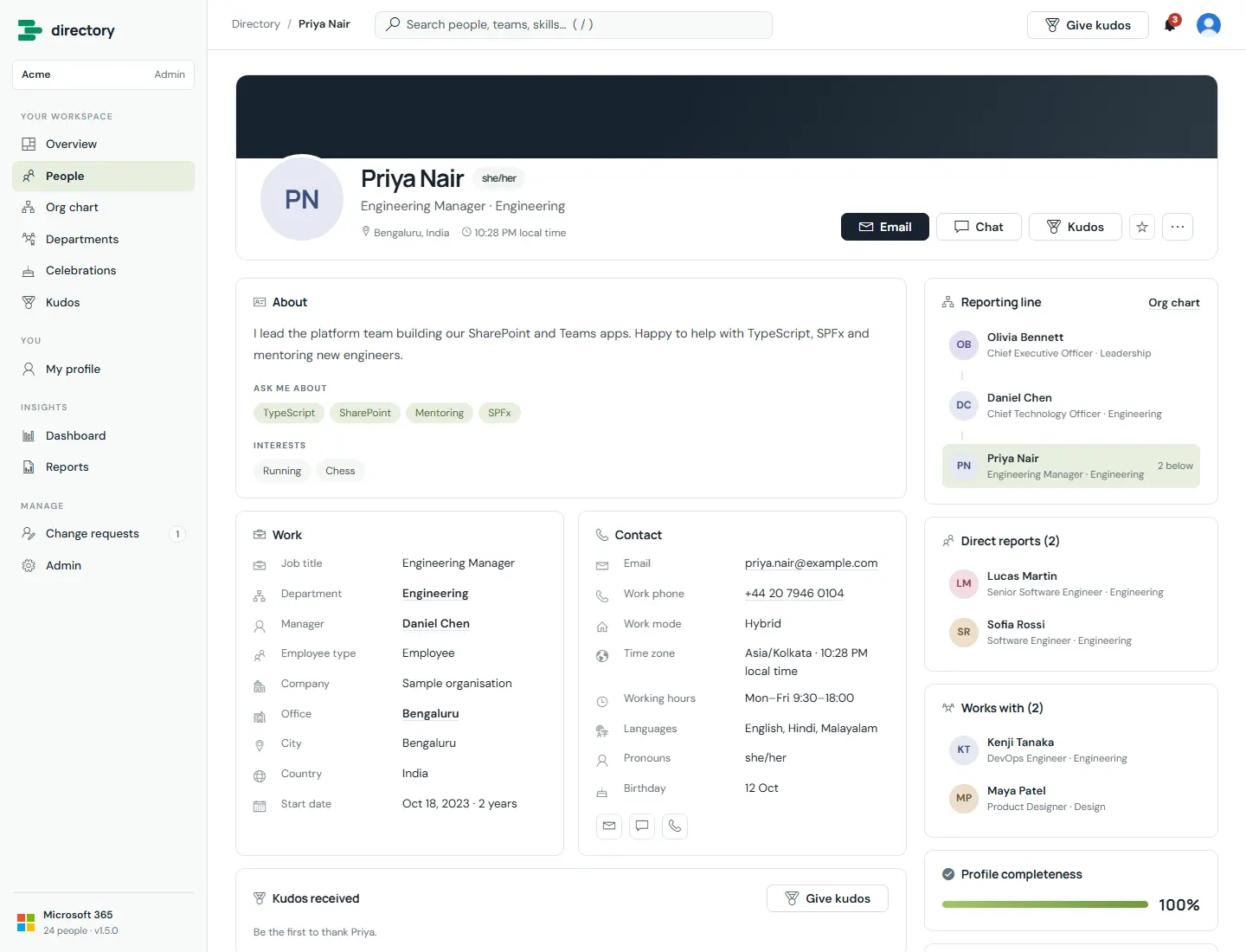
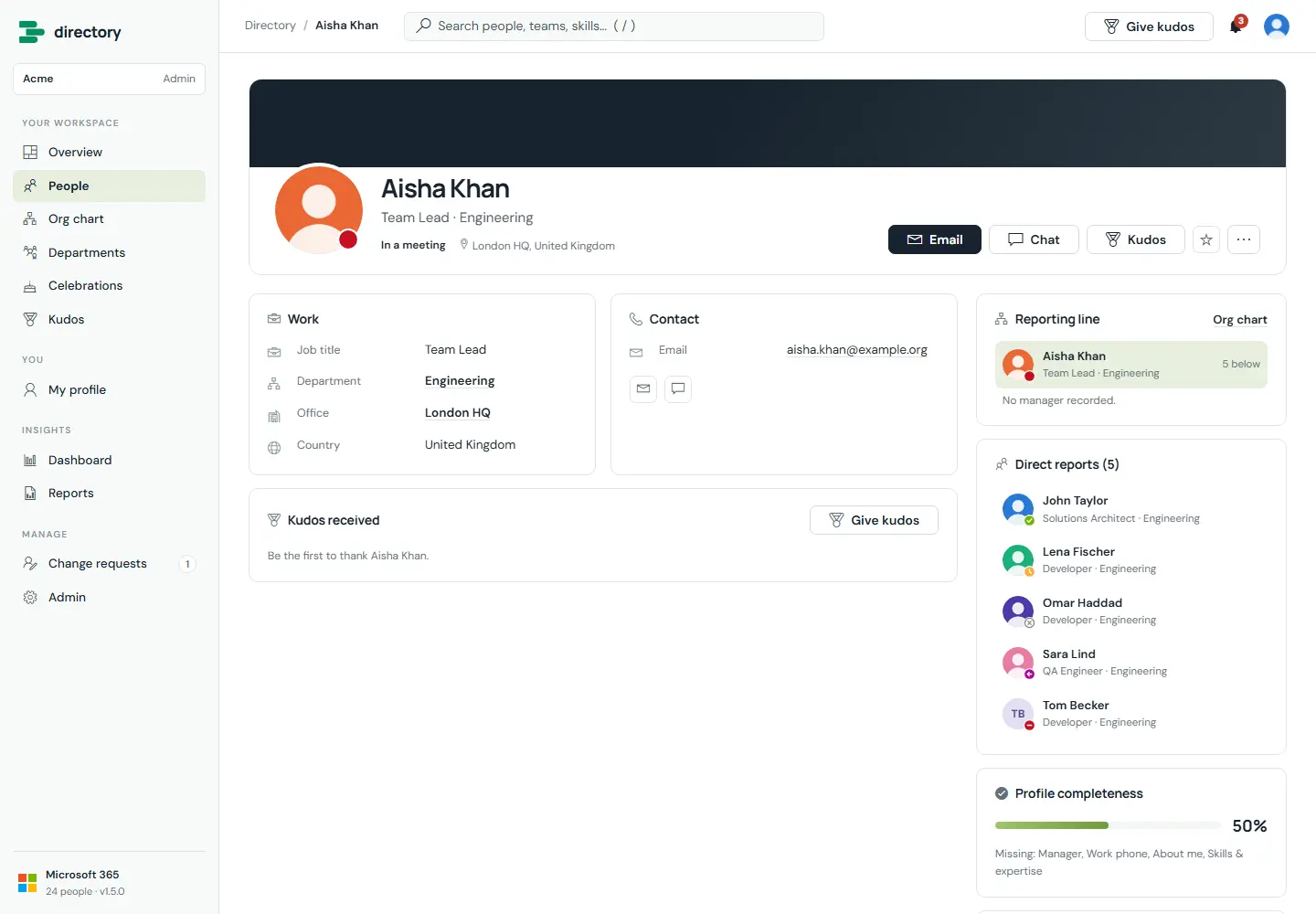
A profile brings together everything colleagues need: work and contact details from Microsoft 365, the person's own "about me", skills and working hours, their reporting line, direct reports, the people they work with, and the kudos they have received.
How it works
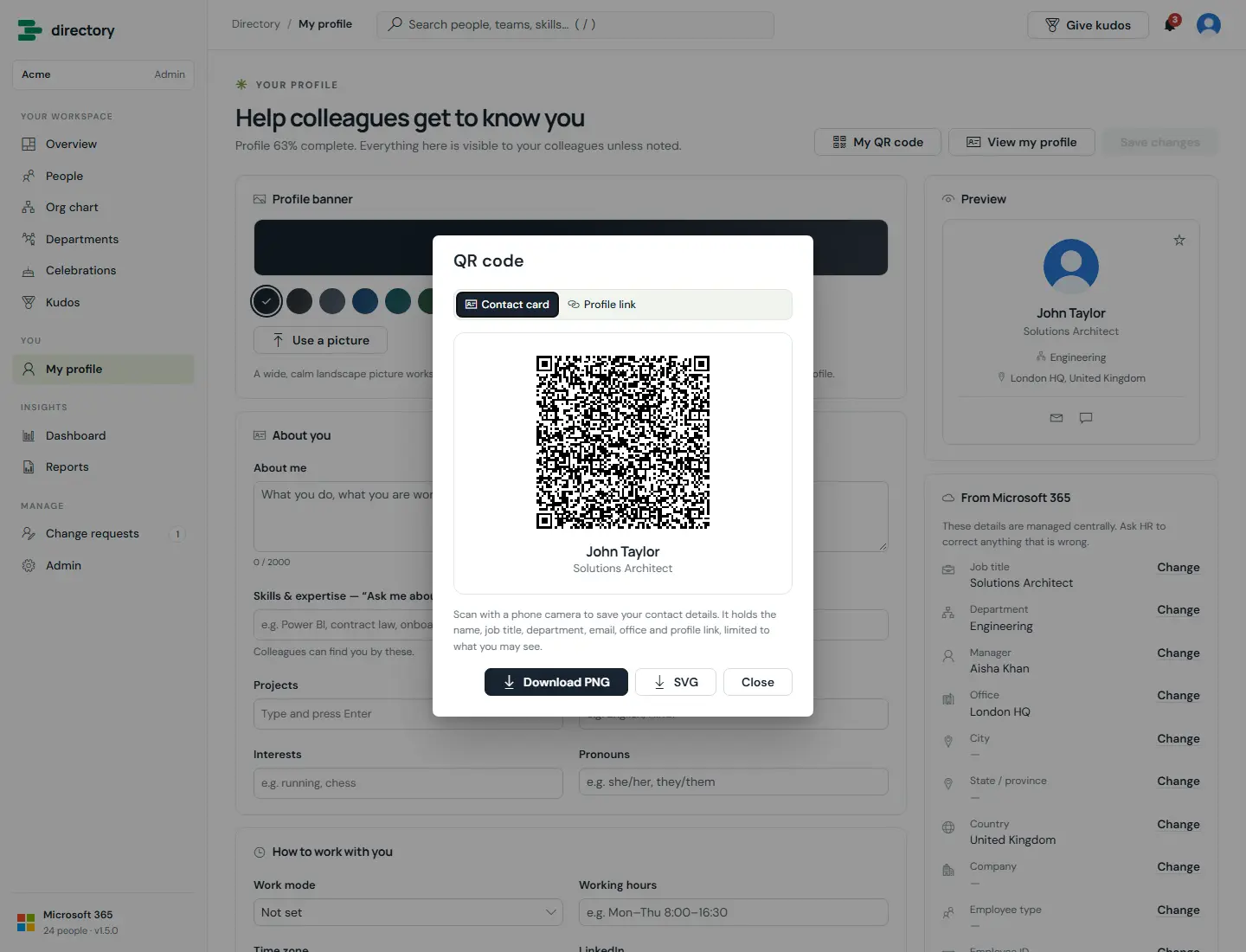
- Actions: email, Teams chat, give kudos, add to favourites, save contact (vCard), copy link, open in the org chart, QR code, and request a correction.
- Local time is shown when the person has set a time zone.
- As in Teams, the status icon follows availability and the text follows the activity (for example Busy, "Presenting").
- Photos are copied into a picture library on your site during the sync. A photo changed in Microsoft 365 since the last sync is shown straight from Microsoft Graph.
- Each person can choose their own profile banner (see My profile).
- HR sees an extra record panel: the source, status, last sync and any HR overrides.
Still need help?Our team answers product questions by email, and we can walk you through it on a call.
Open in the full guideContact support