
Knowledge base / Employee Directory / Using the app
Kudos
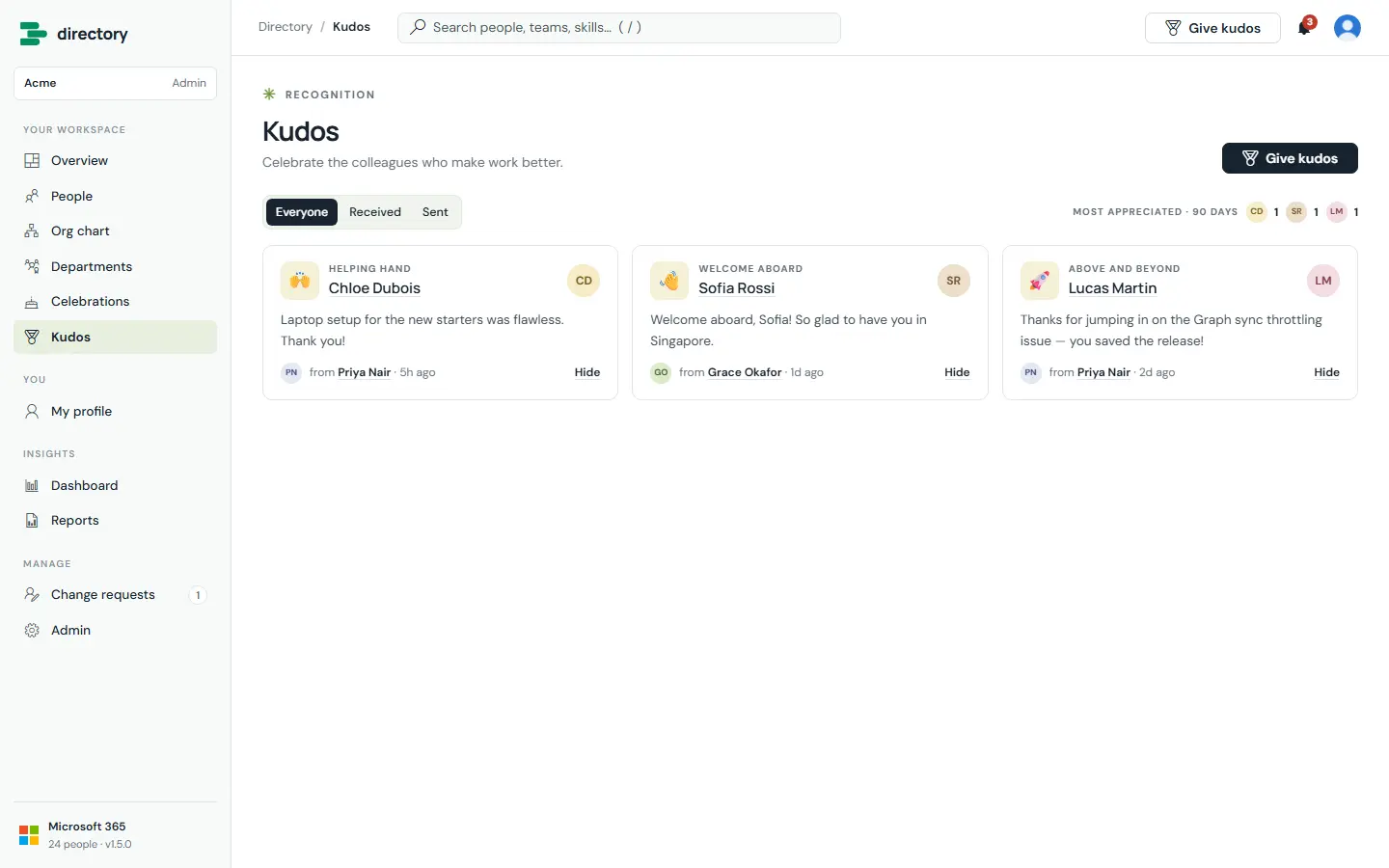
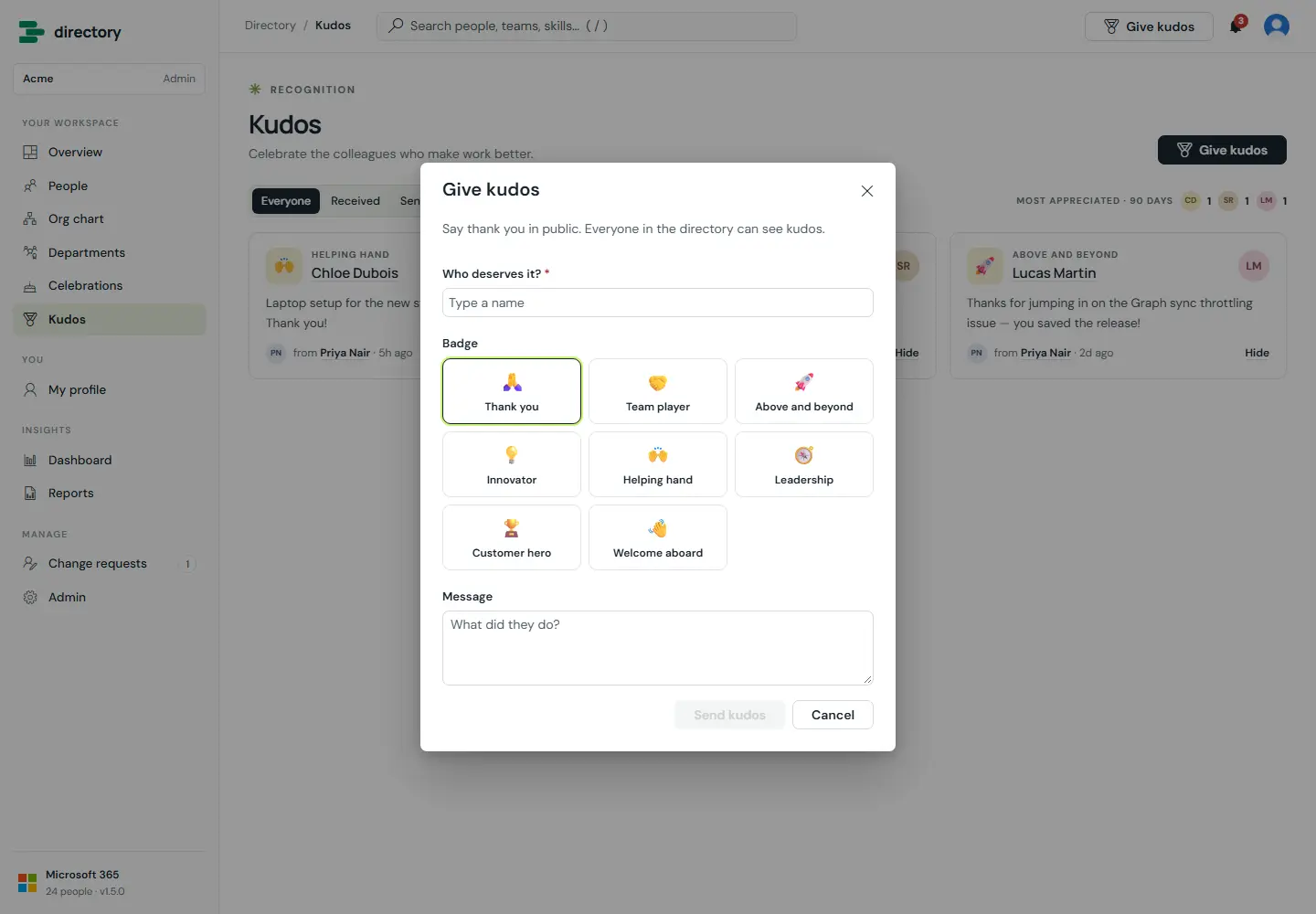
Public recognition between colleagues. Pick a person and a badge, add a message, and it appears on the kudos wall and on the person's profile. The recipient is notified.
How it works
- The sender shown is the person SharePoint recorded as the author, so nobody can post kudos in someone else's name.
- HR can hide and restore kudos. If the author edits a kudos after posting it, it is hidden until HR restores it, so a message cannot be quietly changed or un-hidden.
Still need help?Our team answers product questions by email, and we can walk you through it on a call.
Open in the full guideContact support