
Knowledge base / Employee Directory / Using the app
Departments
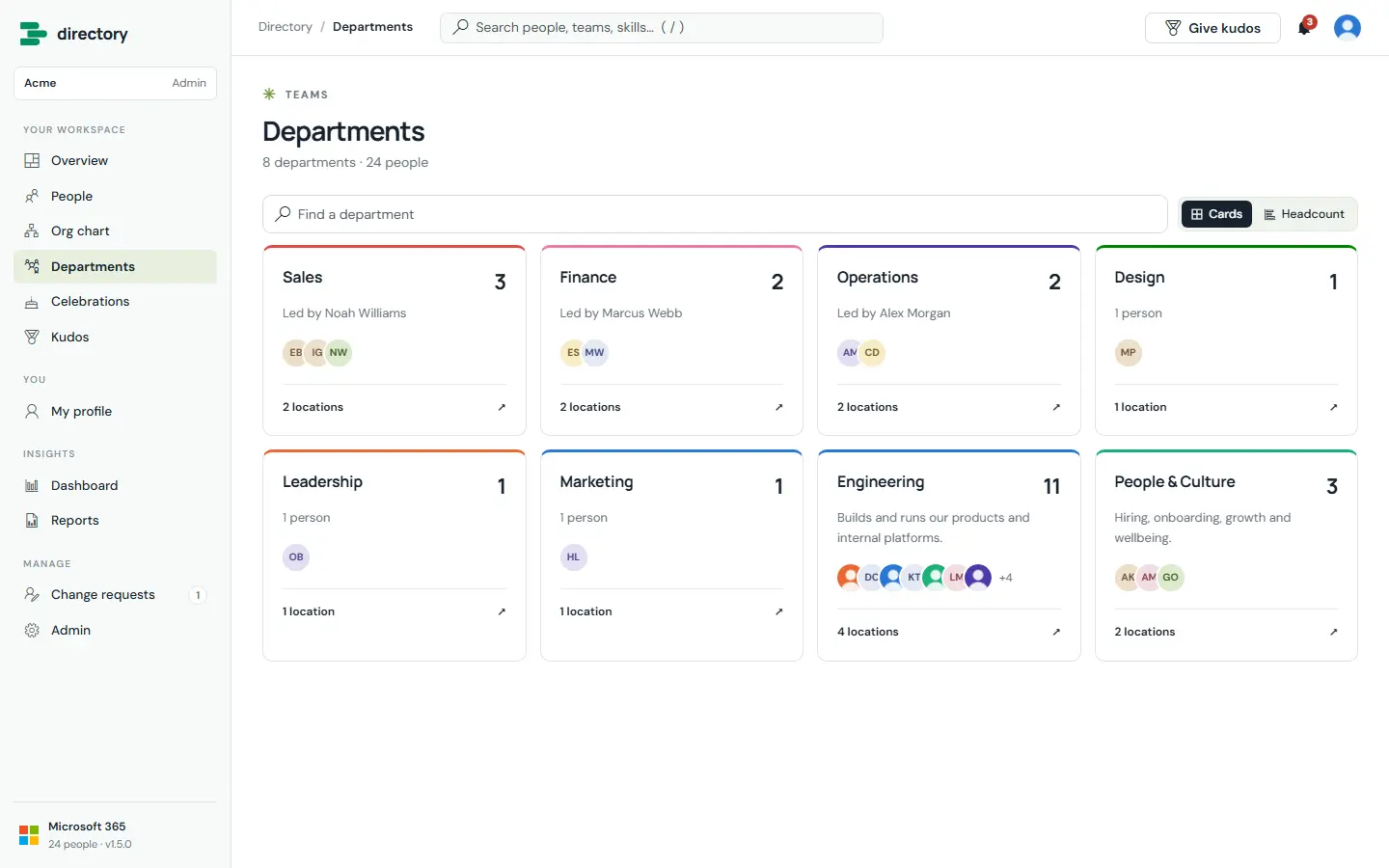
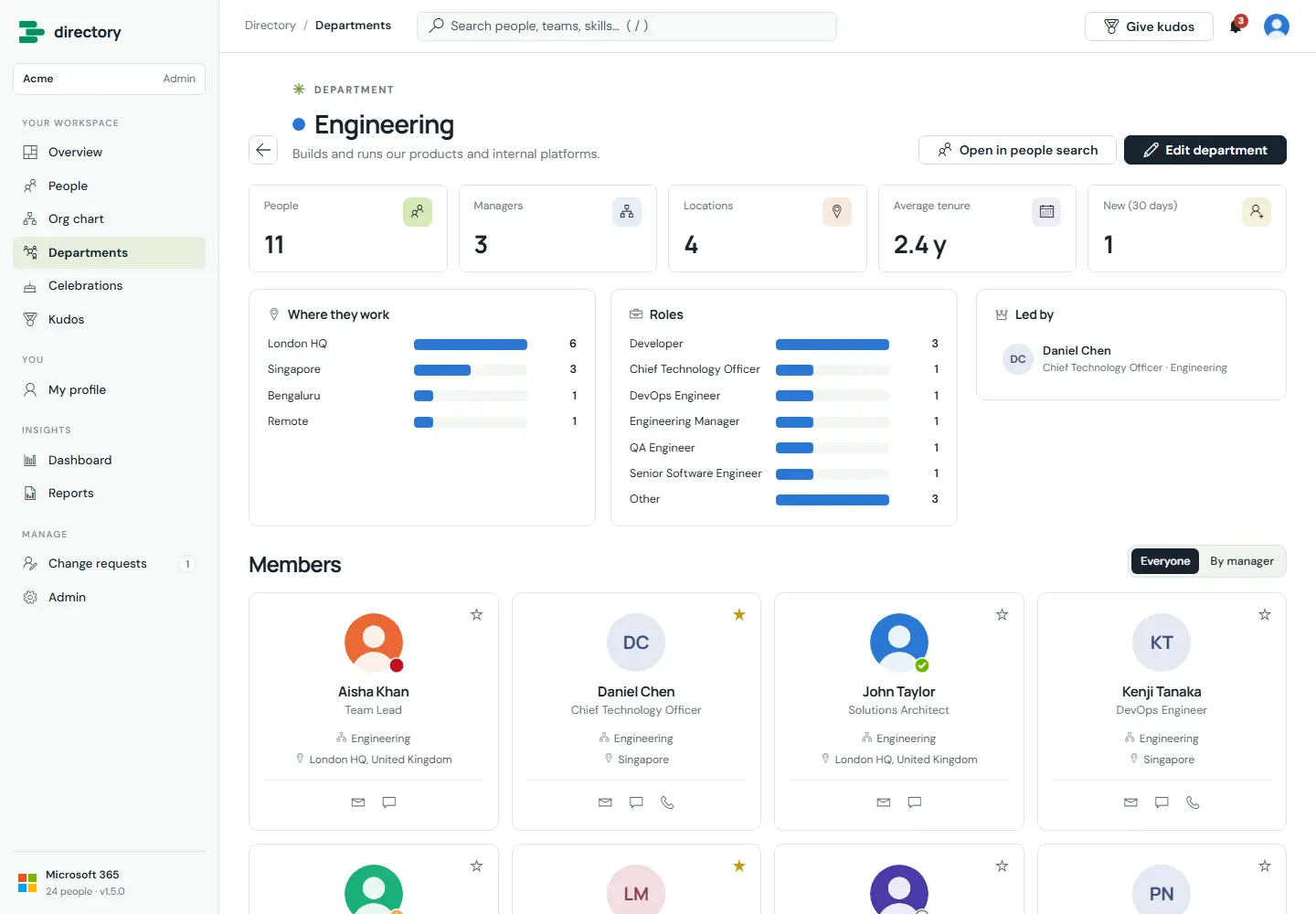
Every department gets its own page with its people, head, locations and roles. Departments come from the people's department field in Microsoft 365. Admins can add a description, a head, a colour and a parent department.
How it works
- If no head is set, the directory picks the member whose manager is outside the department and who has the most reports inside it.
- Members can be shown together or grouped by manager. "Open in people search" applies the department as a filter.
Still need help?Our team answers product questions by email, and we can walk you through it on a call.
Open in the full guideContact support