
Knowledge base / Employee Directory / Using the app
Reminders
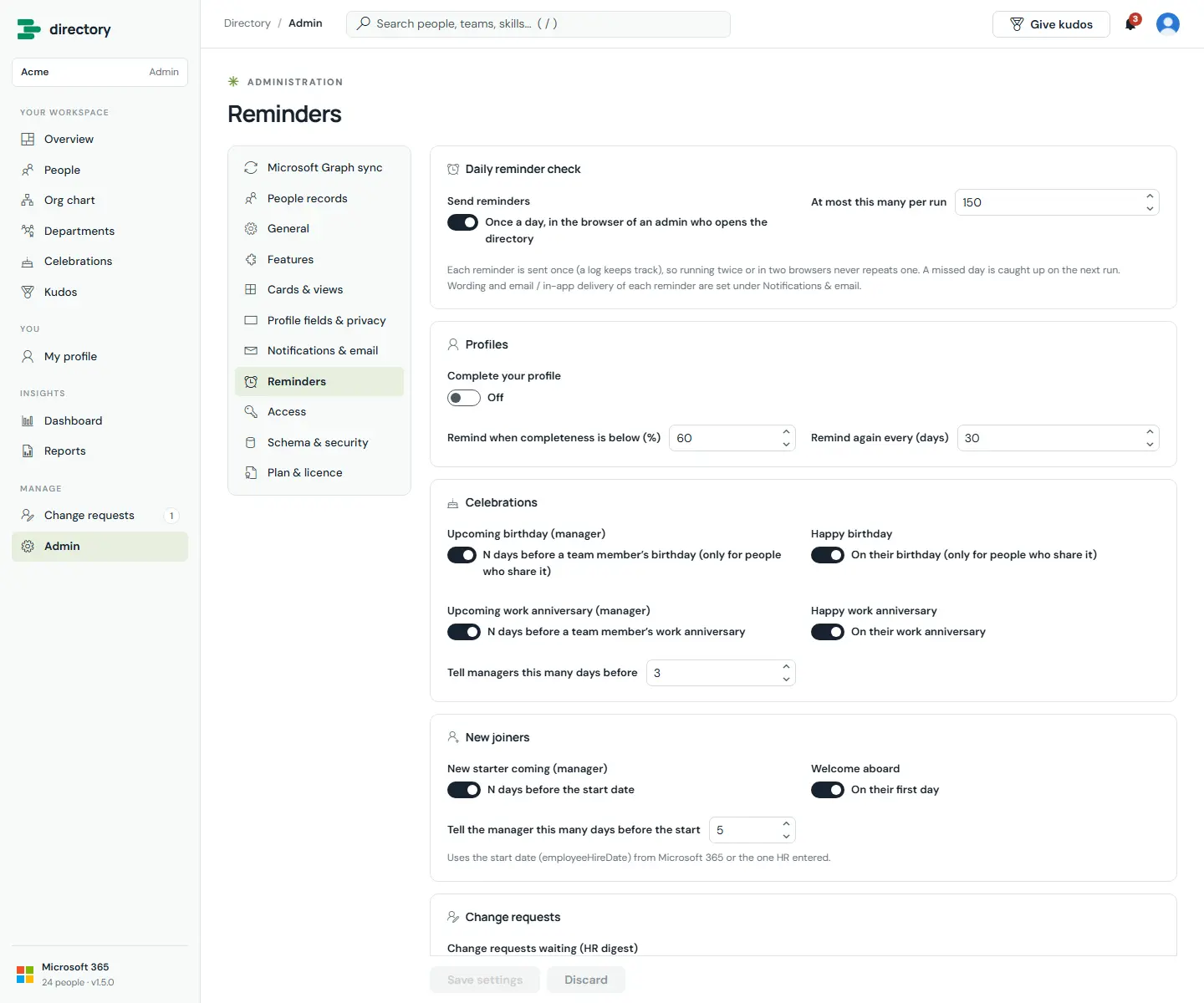
Automatic, timely nudges: complete your profile, a team member's birthday or work anniversary coming up, a new starter arriving, a welcome on the first day, and a digest of change requests waiting for HR.
How it works
- The reminder check runs once a day, in the browser of an admin who opens the directory.
- Every reminder sent is logged, so a reminder is never sent twice, even if two admins have the directory open. A missed day is caught up on the next run.
- Birthday reminders apply only to people who share their birthday.
- A limit per run (150 by default) spreads large volumes over several days. Anything left over is sent on the next run.
Still need help?Our team answers product questions by email, and we can walk you through it on a call.
Open in the full guideContact support