
Knowledge base / Employee Directory / Administration
Profile fields & privacy
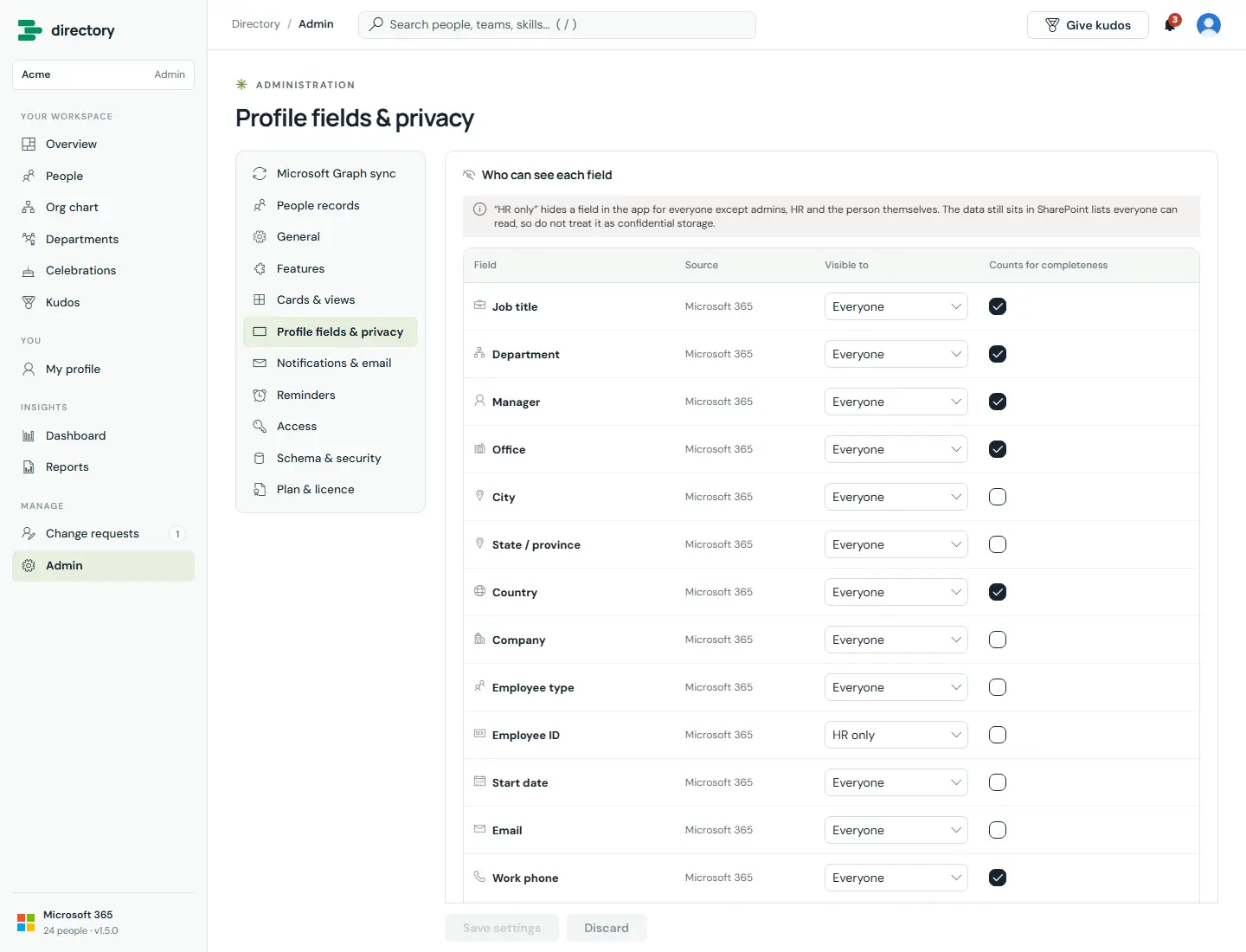
For each of the 25 profile fields, admins decide who sees it (Everyone, HR only, or Nobody) and whether it counts towards profile completeness.
How it works
- Hidden values are removed from the data each viewer receives, before any page uses it. They cannot appear in search, filters, charts, cards or exports.
- "HR only" fields are still visible to the person themselves.
- This is a privacy control inside the app. SharePoint does not enforce it, because the employee list must be readable for the directory to work. The note on this page says so. Do not store confidential data in directory fields (see Good to know).
Still need help?Our team answers product questions by email, and we can walk you through it on a call.
Open in the full guideContact support