
Knowledge base / Employee Directory / Using the app
Overview page
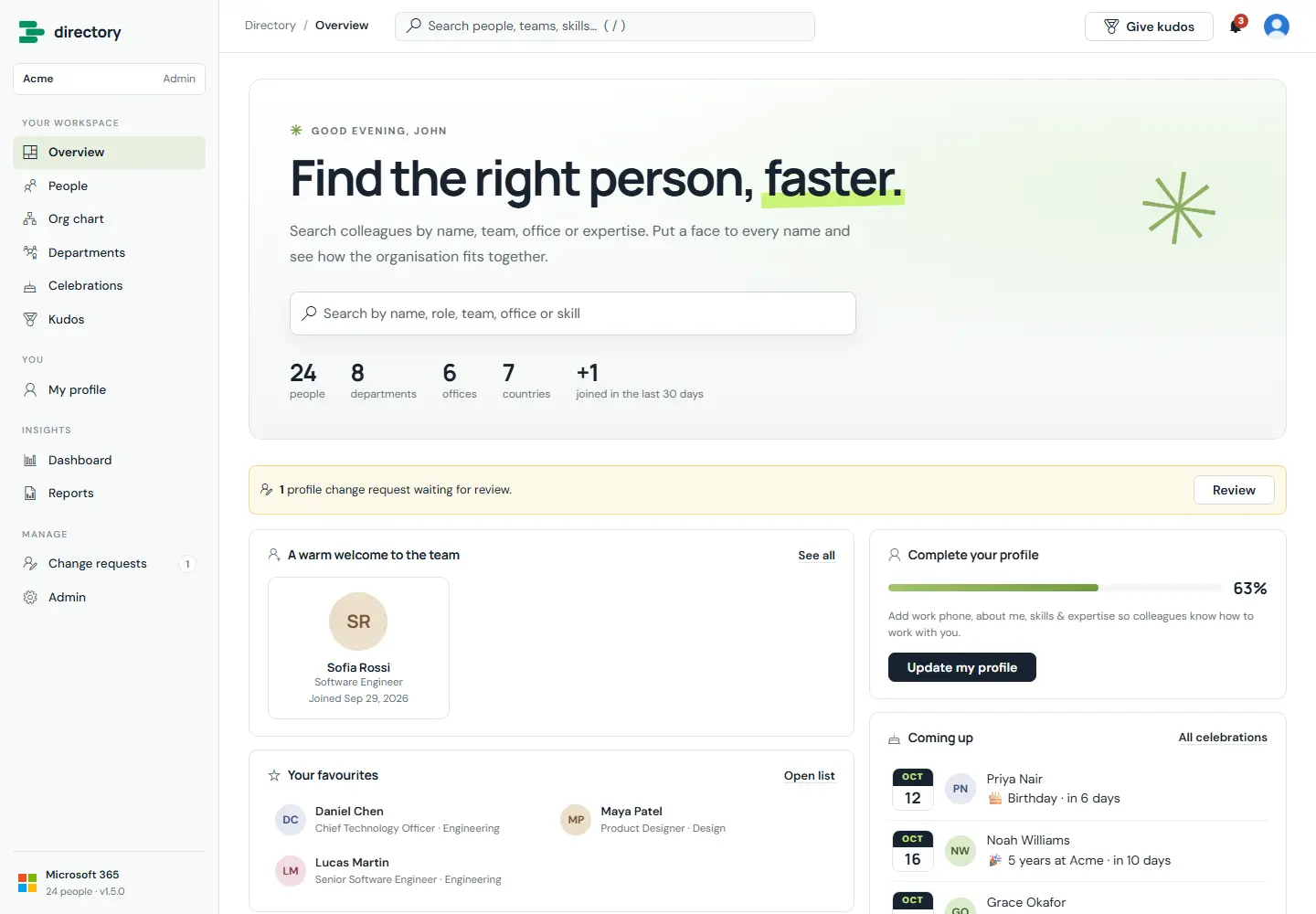
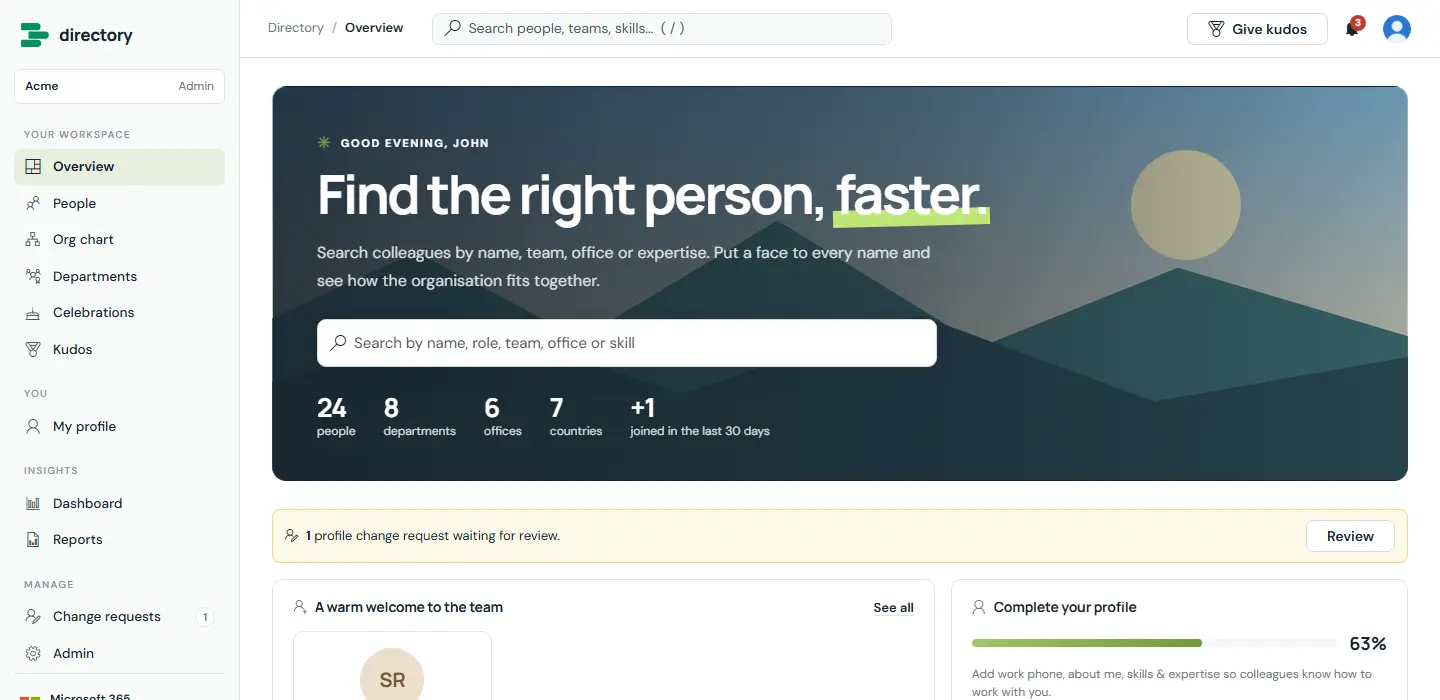
The start page greets each person by name and puts search front and centre. Below the search are the organisation's headline numbers, new joiners, the person's favourites, upcoming celebrations, recent kudos and a nudge to complete their profile. HR and admins also see a banner when change requests are waiting.
How it works
- The headline, introduction and banner are set under Admin › General.
- The last word of the headline gets the lime underline.
- The new-joiner window and the celebrations look-ahead are configurable.
- The / key jumps to the quick search in the top bar from any page.
- Admins can choose which page the directory opens on.
Still need help?Our team answers product questions by email, and we can walk you through it on a call.
Open in the full guideContact support