
Knowledge base / Asset Management / Using the app
Reports & export
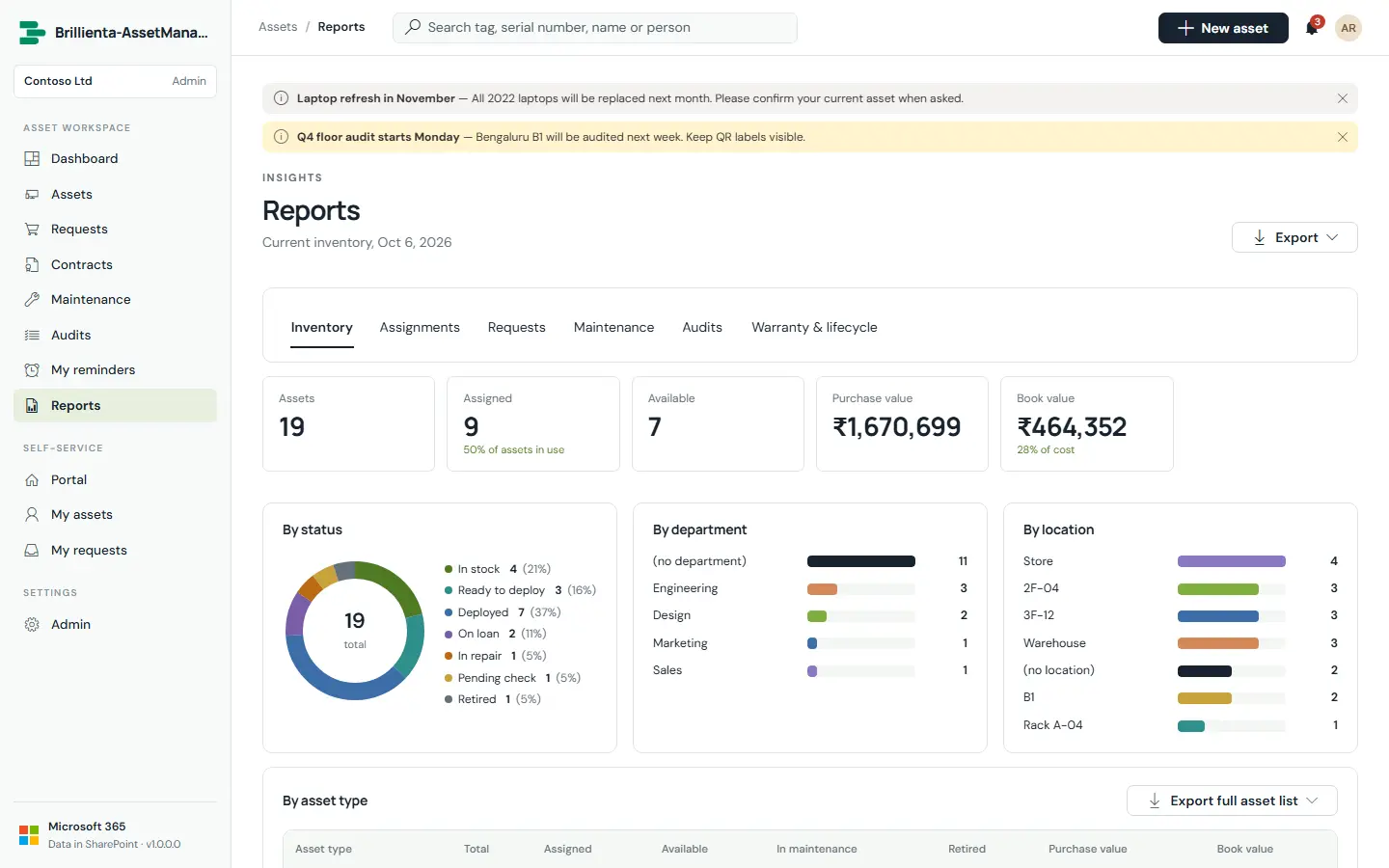
Inventory by type (purchase and book value), assignments, requests (approval and fulfilment times), maintenance spend by vendor and type, audit coverage and problems, warranty and lifecycle — every report exports to Excel or PDF, just like the inventory views.
Still need help?Our team answers product questions by email, and we can walk you through it on a call.
Open in the full guideContact support