
Knowledge base / Asset Management / Using the app
Asset page & check-out
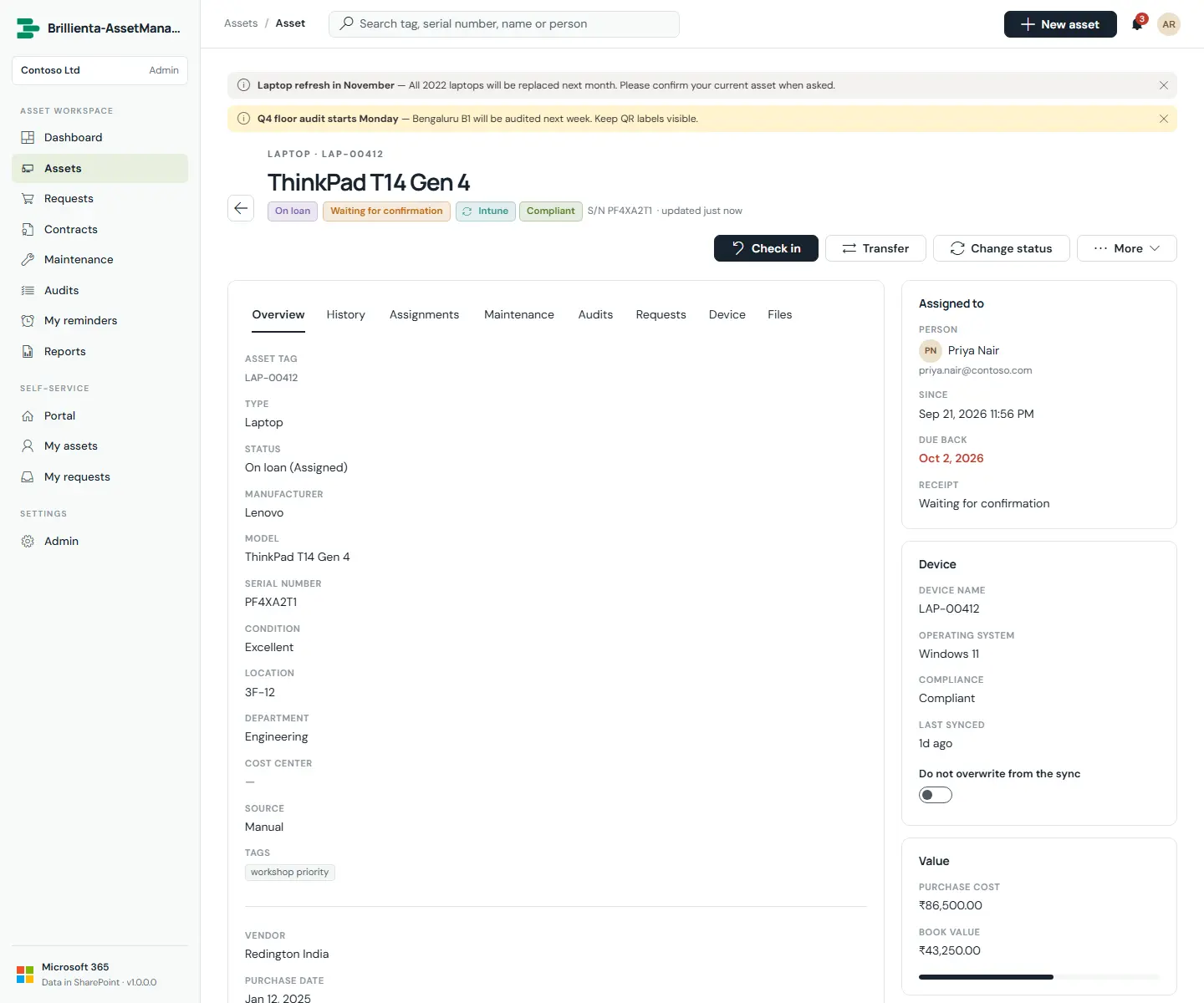
Each asset page shows details (assignee, due-back date, location, purchase, book value, device compliance, QR label) beside full custody and change history. From here the team checks out, transfers, checks in, starts maintenance, changes status, edits, prints labels and sets personal reminders. Check-out assigns to anyone in the directory with condition, location, department and notes; loans carry a due-back date. Changing status to Available, Retired, Disposed or Lost takes the asset back from its assignee first; Maintenance keeps the assignee; Disposed records method and value.
Still need help?Our team answers product questions by email, and we can walk you through it on a call.
Open in the full guideContact support