
Knowledge base / Asset Management / Using the app
Dashboard
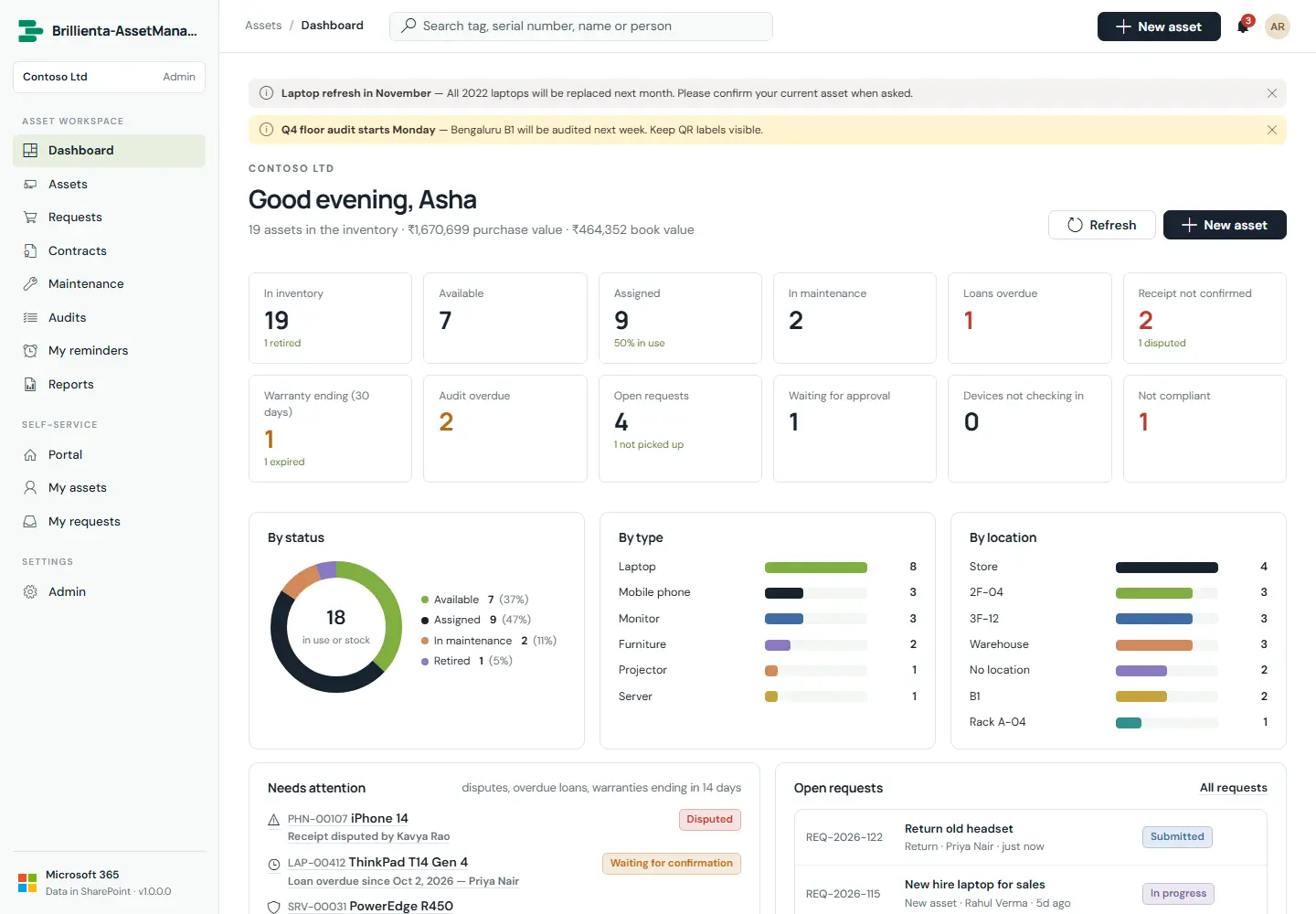
The landing page for the asset team. Clickable KPIs jump straight into filtered views; Needs attention collects disputes, overdue loans and warranties ending in 14 days; open requests, registrations per month and device-sync health complete the picture.
How it works
- The default start view is configurable (Admin › General); otherwise staff land on the dashboard and employees on the portal.
- Warranty flags look 14 days ahead; audit and maintenance due lists come from each type's intervals.
Still need help?Our team answers product questions by email, and we can walk you through it on a call.
Open in the full guideContact support