
Knowledge base / Asset Management / Using the app
Import
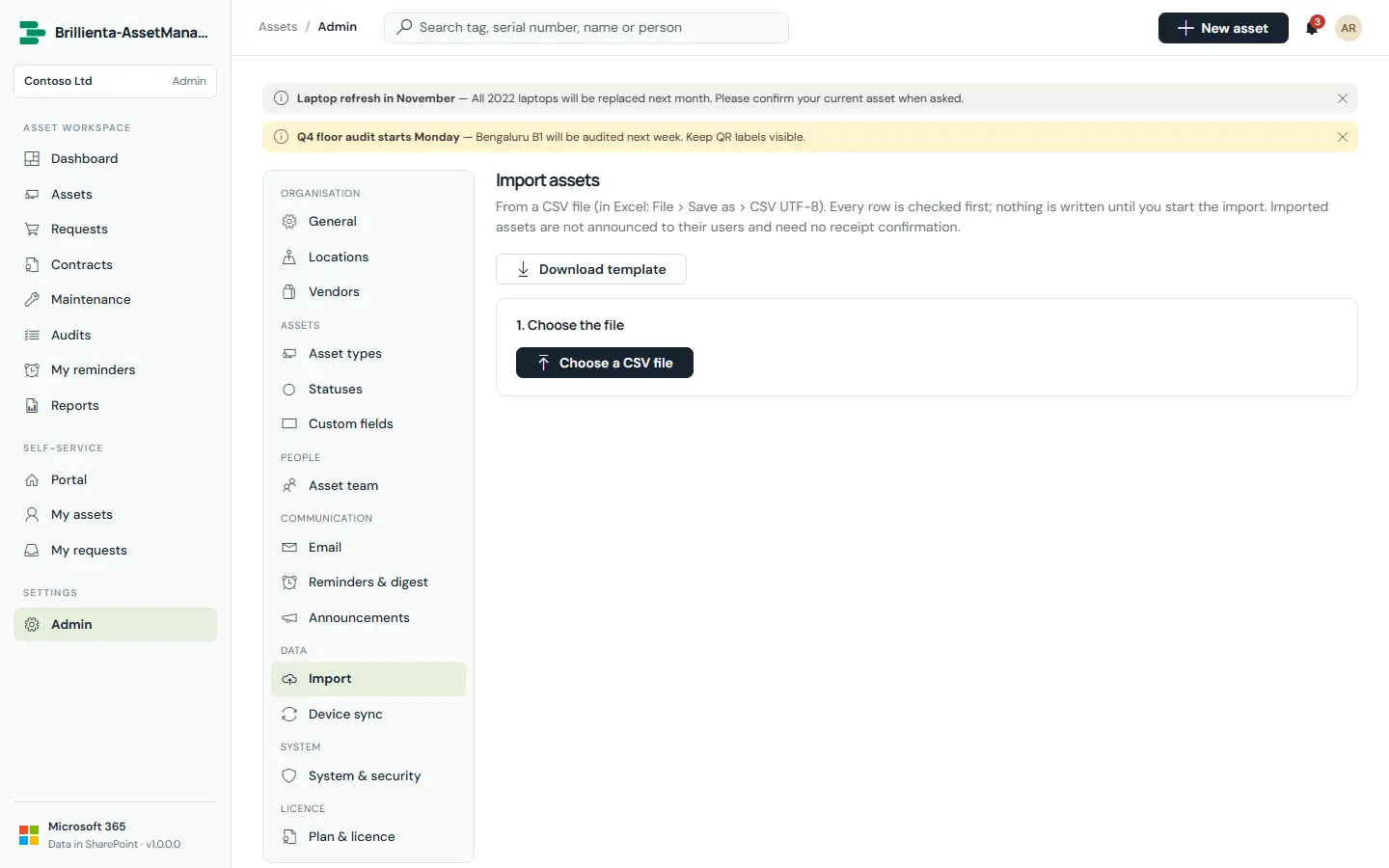
Bring an existing register from Excel: save as CSV and drop it in. The delimiter is detected, columns are recognised by name and synonyms (including custom-field labels), dates and amounts are parsed in your format, types, statuses and locations match by name, and duplicates inside the file are reported. Every row is validated before anything is written; existing assets (same tag or serial) are skipped or updated; people are assigned by email without notifications. A result and error report downloads at the end.
Still need help?Our team answers product questions by email, and we can walk you through it on a call.
Open in the full guideContact support