
Knowledge base / Asset Management / Using the app
Employee portal
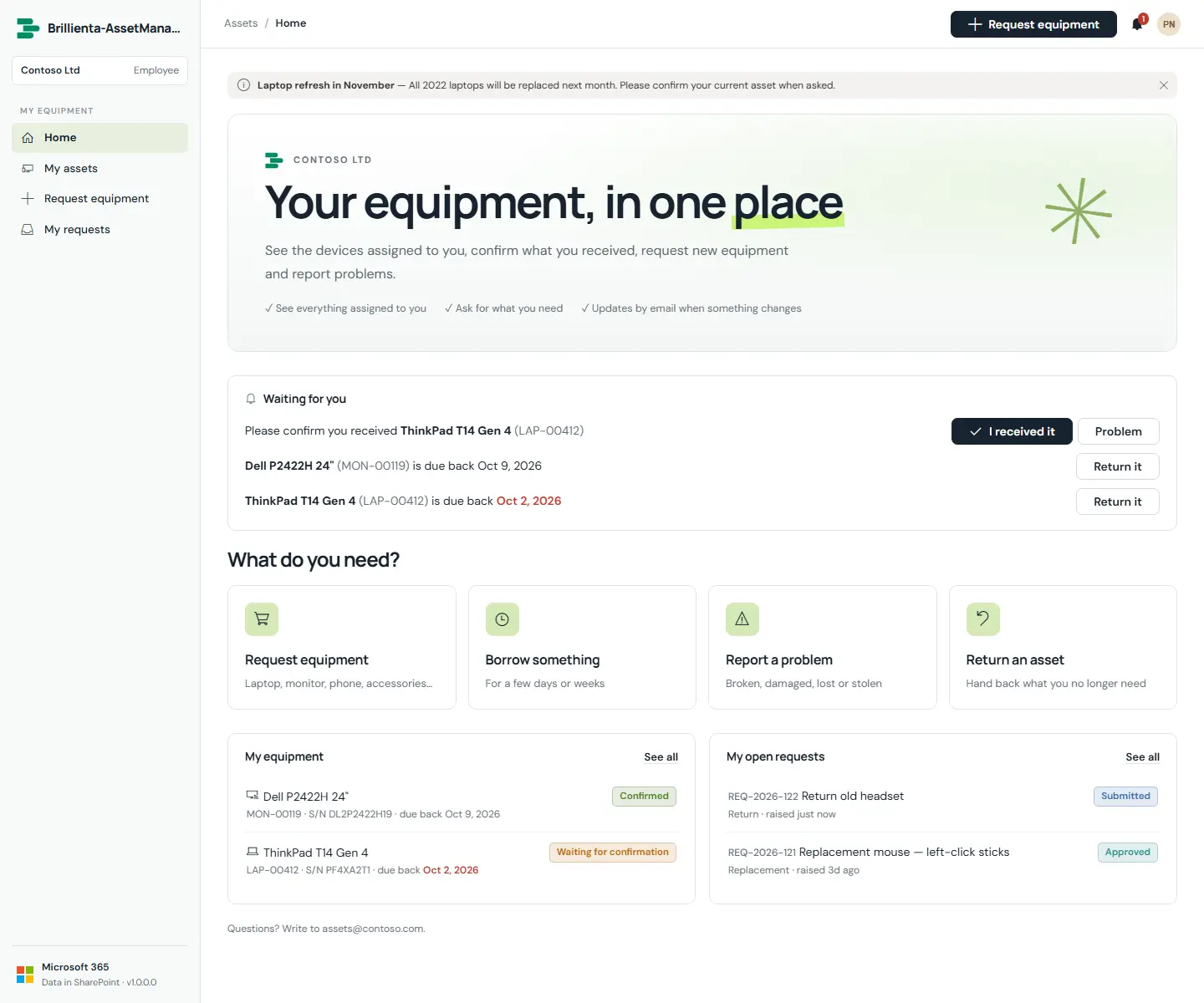
The branded home for every employee: a Waiting for you card (confirmations, loans due, approvals), request tiles (new, loan, issue, return), my equipment and my open requests. My assets shows each assigned asset with confirm, report-a-problem, return and replace actions. Opening an asset from a scanned QR label shows full details for the employee's own assets only.
How it works
- Headline, welcome text, banner image and support email are set under Admin › General.
- Maintenance mode pauses new requests; a banner explains why.
Still need help?Our team answers product questions by email, and we can walk you through it on a call.
Open in the full guideContact support