
Knowledge base / Asset Management / Using the app
Maintenance
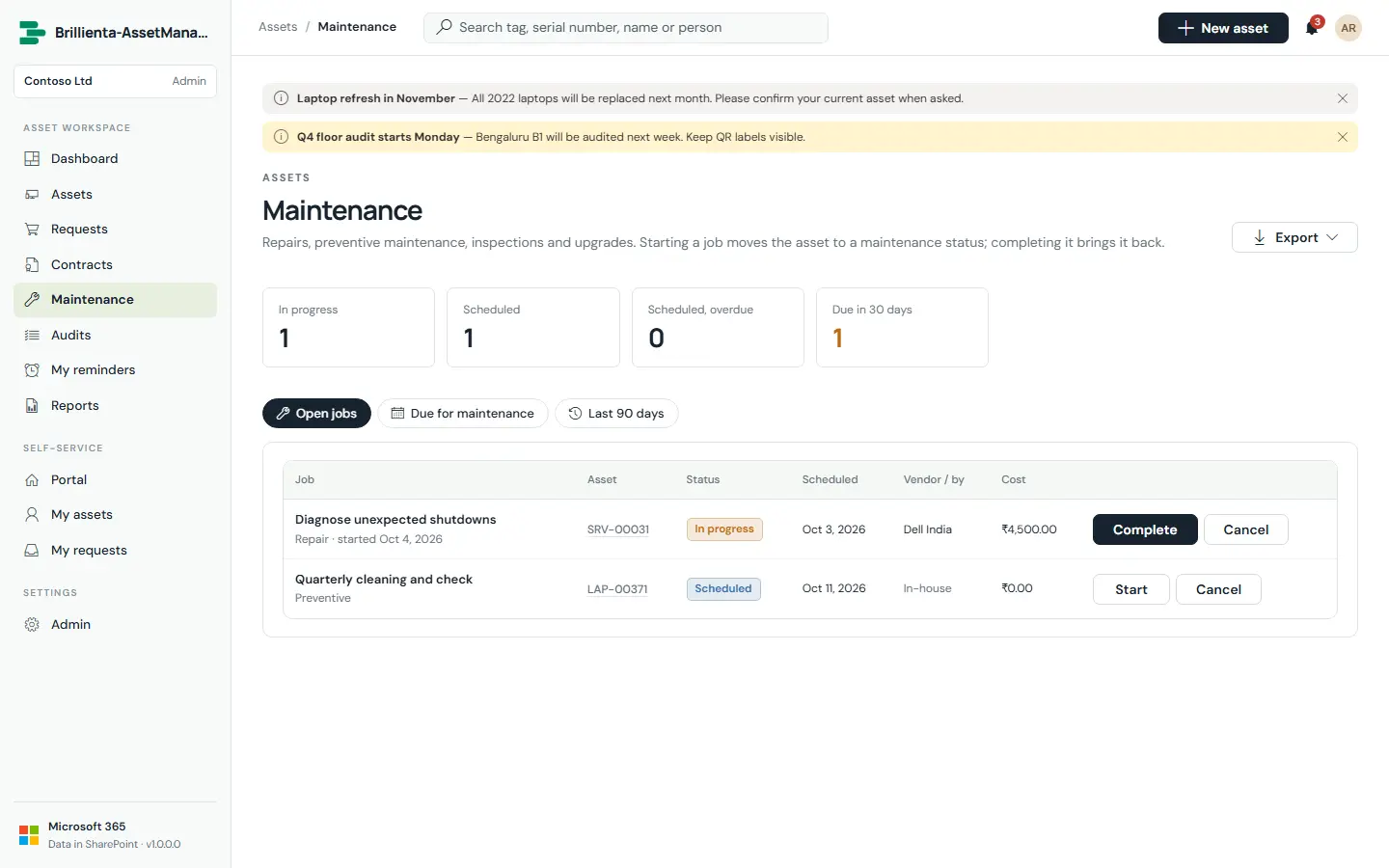
Repairs, preventive maintenance, inspections, upgrades and calibration. The page lists open jobs, assets due in the next 30 days for planning, and the last 90 days. Starting a job moves the asset to a Maintenance status; completing it records cost, condition and outcome, returns the asset to Assigned or Available, and moves the next-due date on for preventive, inspection and calibration jobs.
Still need help?Our team answers product questions by email, and we can walk you through it on a call.
Open in the full guideContact support