
Knowledge base / Asset Management / Plans & licensing
Plans & licensing
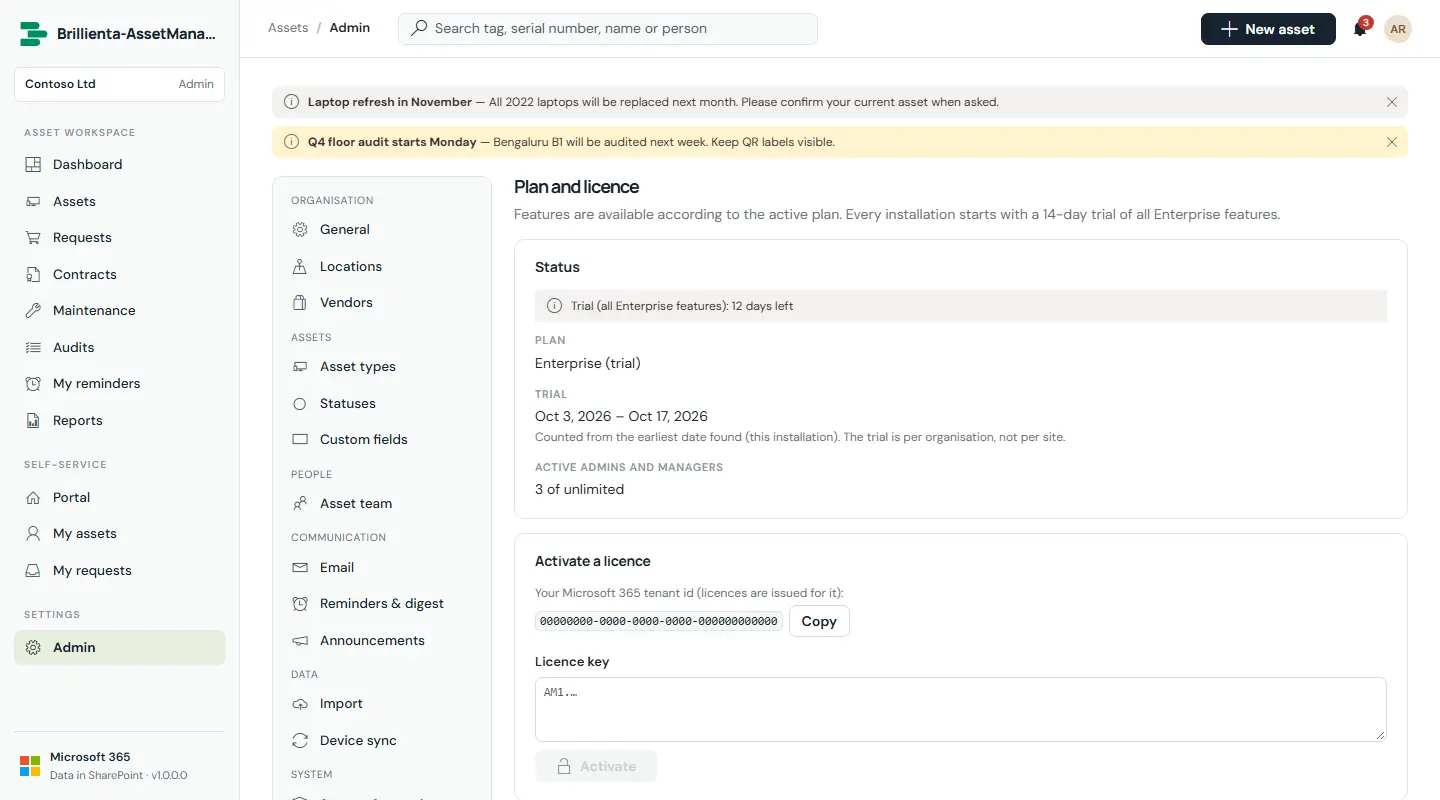
Every installation starts with a 14-day trial of all Enterprise features. Licence keys are signed by the vendor, name your Microsoft 365 tenant and start with AM1.
| Plan | Includes | Admins + managers |
|---|---|---|
| Plus | Register, assignments, loans, receipt confirmation, portal and requests, email, reports and exports, import, personal and loan reminders, announcements | 5 |
| Pro | Plus, plus approvals, custom fields, maintenance, audits, contracts, depreciation, QR labels, custom email templates, receipt / approval / fulfilment reminders and the daily digest | 25 |
| Enterprise | Pro, plus Intune / Entra ID device sync (manual and daily) | Unlimited |
Still need help?Our team answers product questions by email, and we can walk you through it on a call.
Open in the full guideContact support