
Knowledge base / Asset Management / Using the app
Device sync
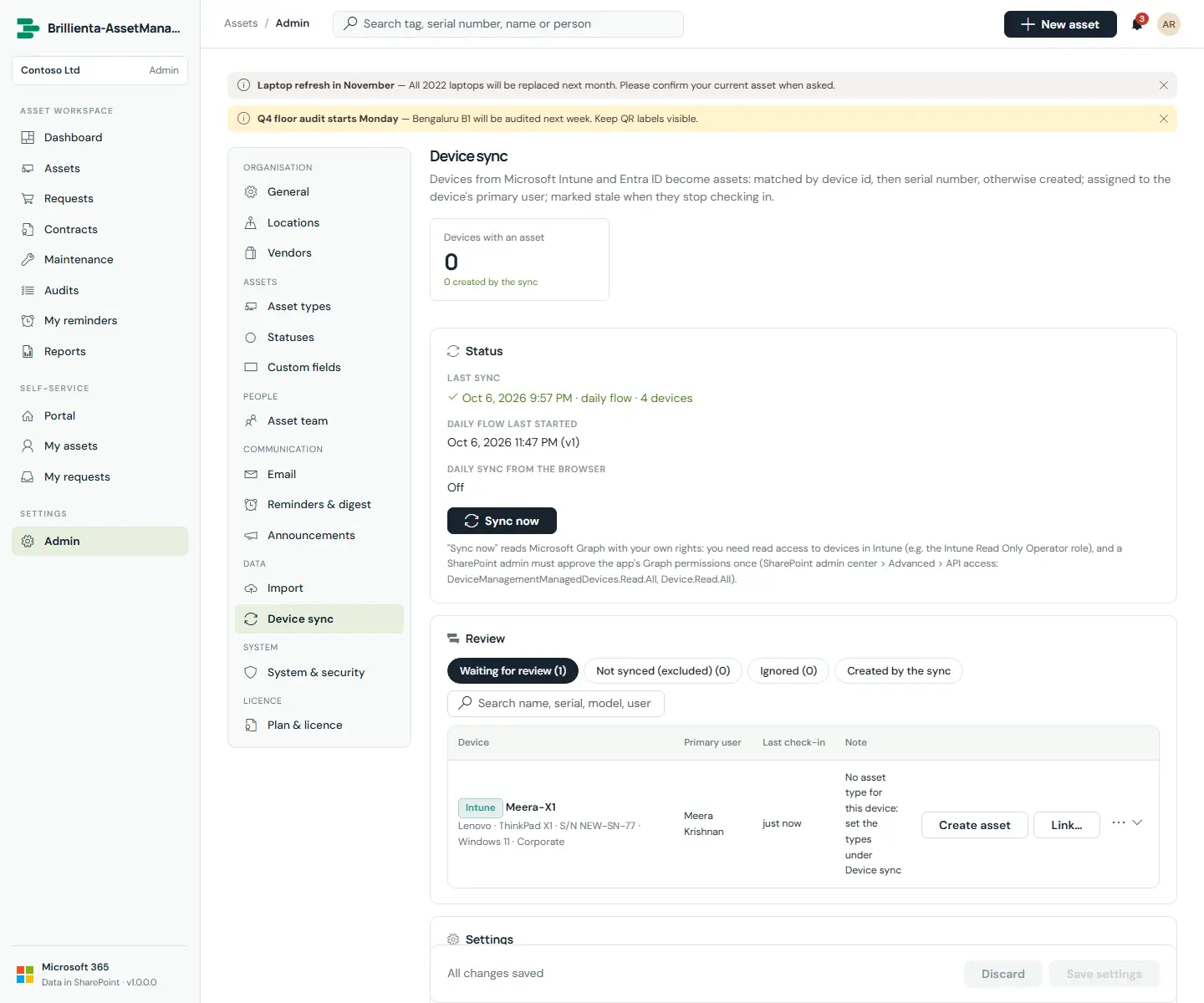
Intune managed devices and optionally Entra ID devices become assets: matched by device id, then serial number, otherwise created — or left for review. Type comes from model rules and operating system; new assets are assigned to the device's primary user; compliance and last check-in land on the asset, and devices that stop checking in become stale. Run it from the browser with Sync now, on a daily browser schedule, or unattended with the daily flow (app registration with application permissions).
How it works
- Matching order: link, Intune device id, Entra device id, serial. Placeholder serials never match.
- Sync never takes an asset away from its current assignee.
Still need help?Our team answers product questions by email, and we can walk you through it on a call.
Open in the full guideContact support