
Knowledge base / Brillienta HRMS / Using the app
Recruitment
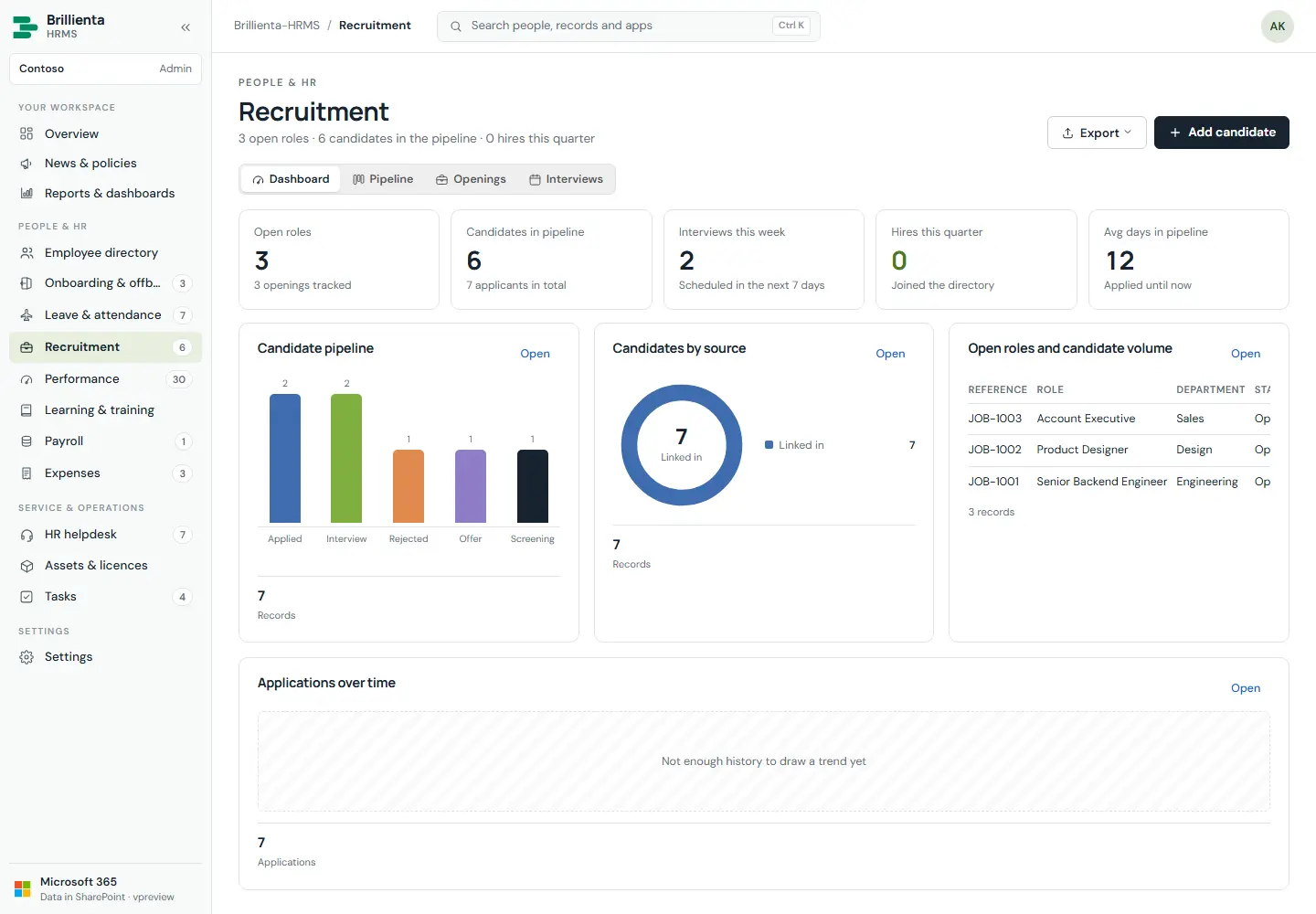
Job openings, candidate pipeline board (Applied → Screening → Interview → Offer → Hired / Rejected), interviews with scorecards, one-click hire into the directory. Card arrows follow the stages in Settings; moving to Hired asks for hire confirmation which creates the employee.
Still need help?Our team answers product questions by email, and we can walk you through it on a call.
Open in the full guideContact support