
Knowledge base / Brillienta HRMS / Using the app
Leave & attendance
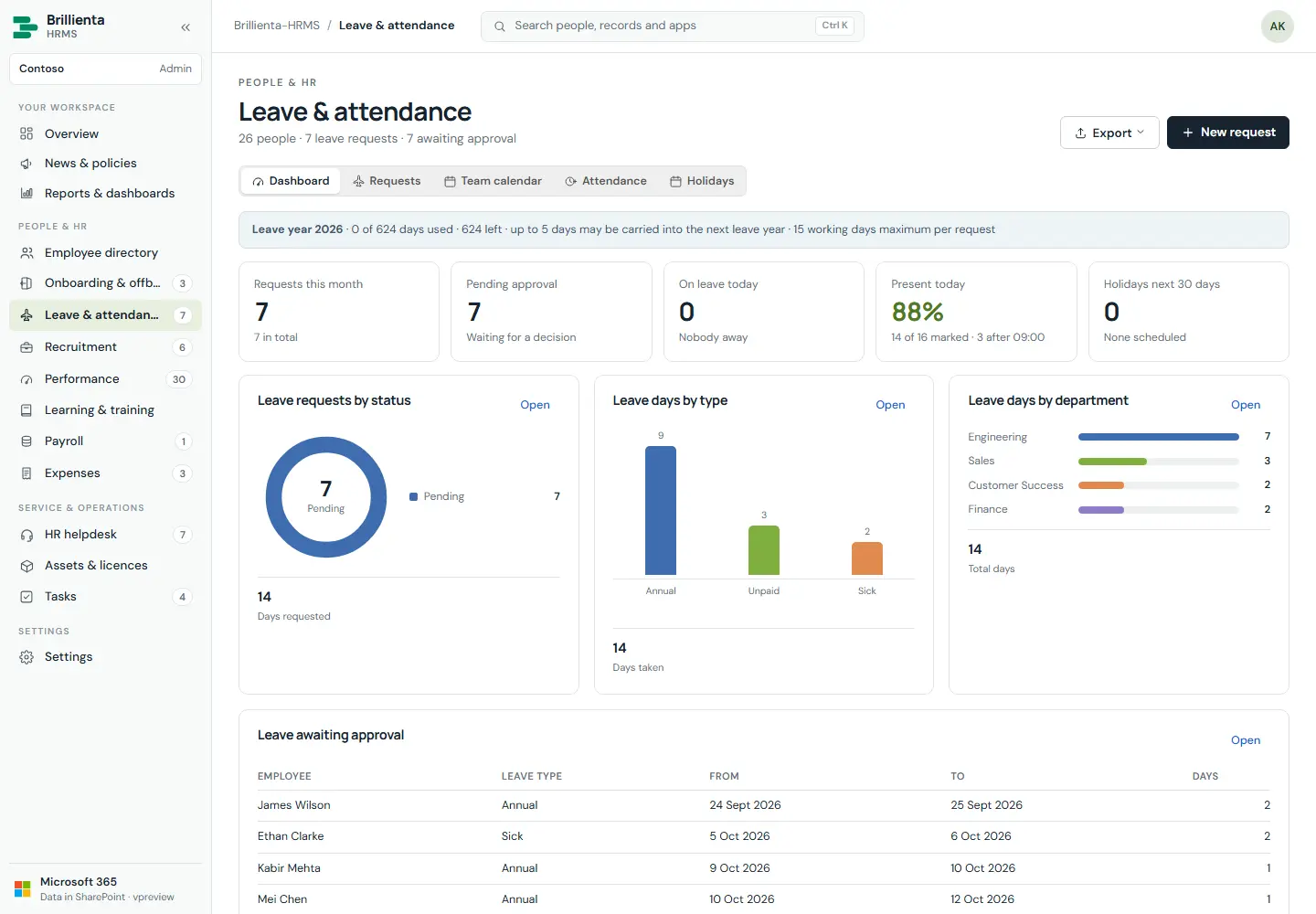
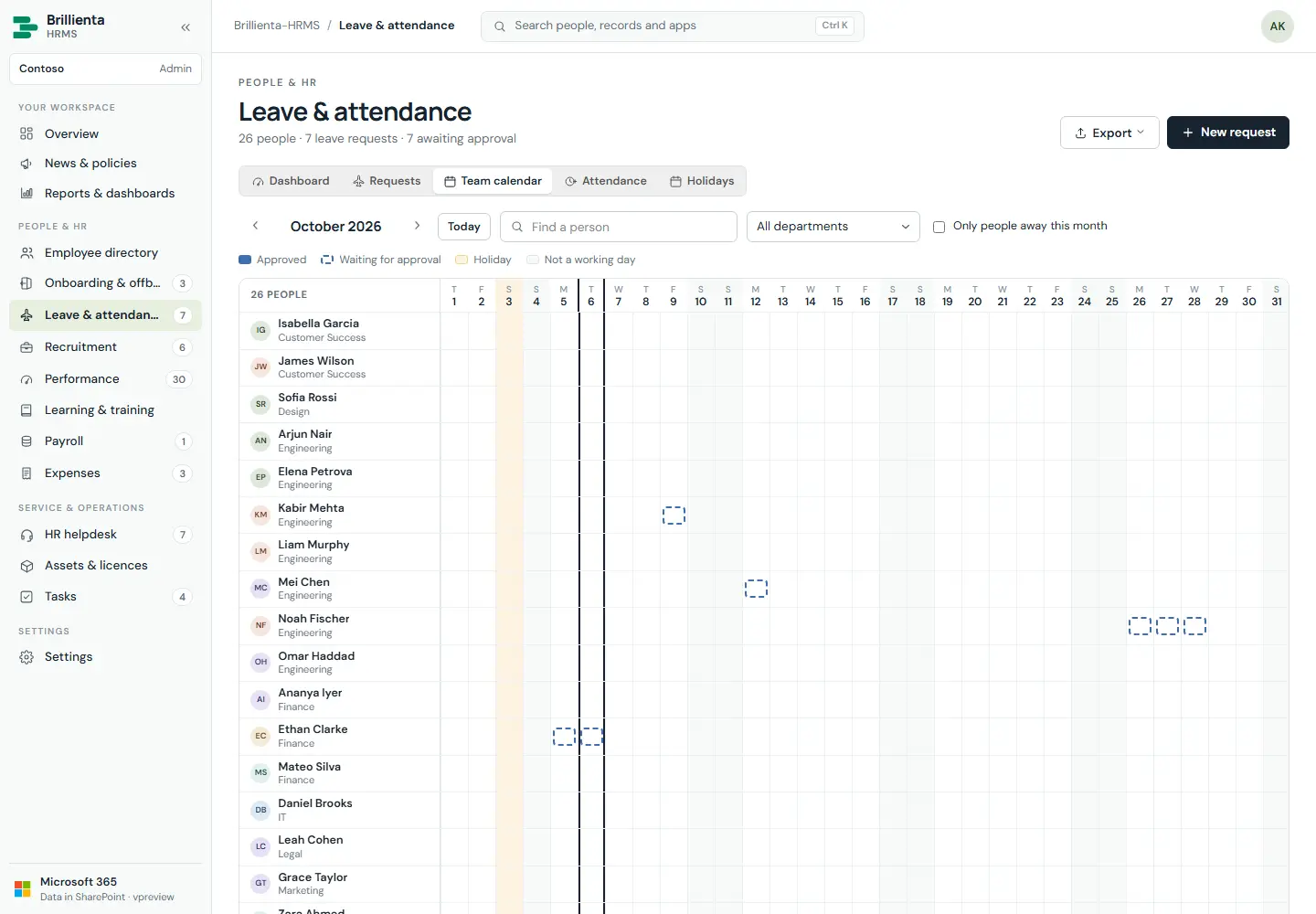
Requests with approval (Pending → Approved / Rejected / Cancelled); approved annual leave comes off leave days left and cancelling gives it back. Balances from leave year and carry-over; working days from work week and holidays. Team calendar (people × days), daily roster and timesheet with lateness and overtime, clock in/out, holiday calendar.
How it works
- Employees request for themselves only; decisions and notes are Admin only. With approvals off, own leave is taken off by the next HR/Admin session.
- Clock in/out covers today only (Present/Remote, valid times); HR-marked days (leave, training, absence) are preserved.
- Policy (year, carry-over, longest request, types, work week, grace, overtime) lives in Settings → Leave and Attendance.
Still need help?Our team answers product questions by email, and we can walk you through it on a call.
Open in the full guideContact support