
Knowledge base / Brillienta HRMS / Administration
Email notifications & flow
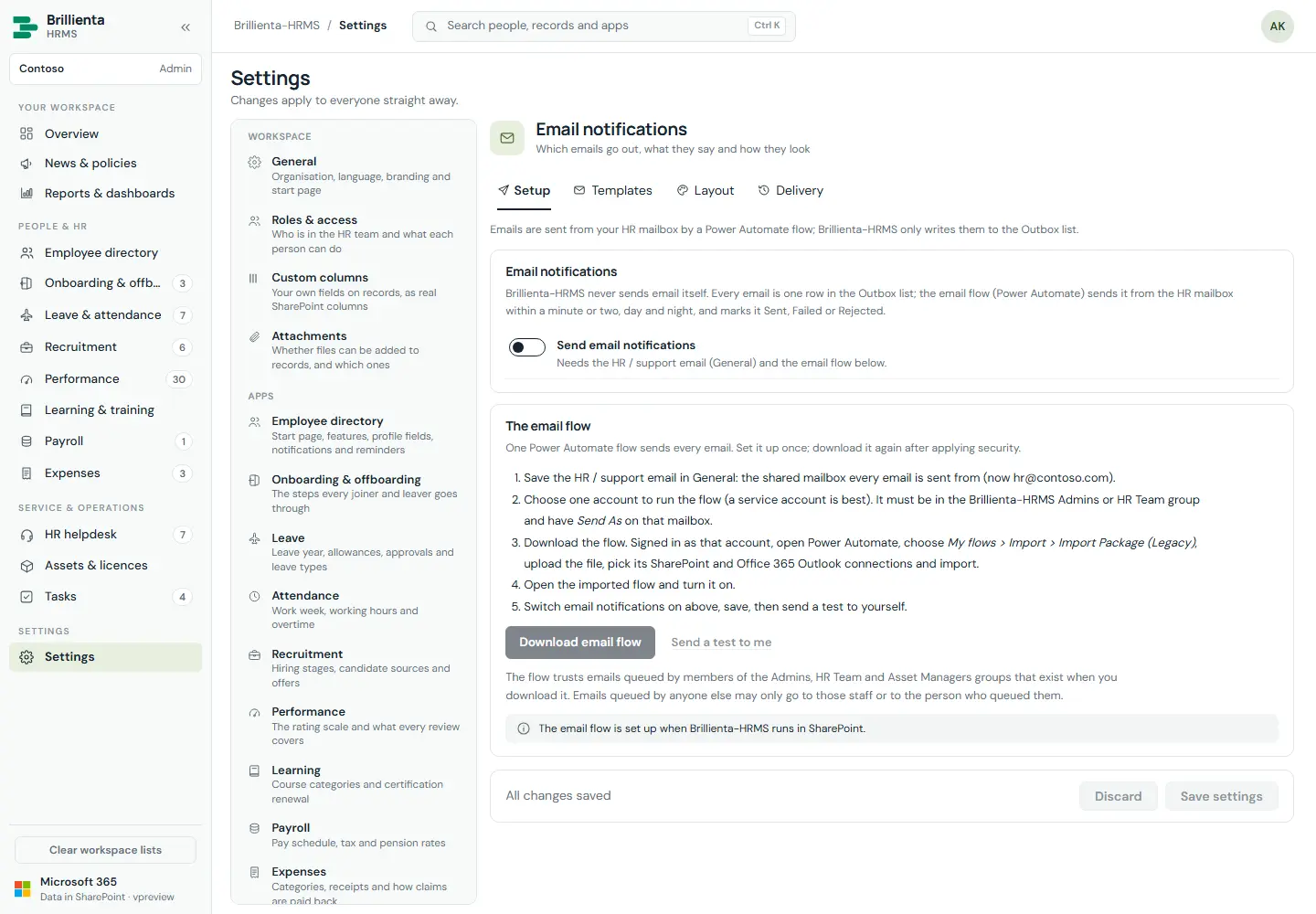
21 emails, each with on/off, subject and body, placeholders and branded layout. Setup builds the Power Automate import package for this site; Delivery shows recent Outbox rows (Sent/Rejected/Failed) and flow health. Import the package as the runner account (service account with Send As on the HR mailbox) and turn the flow on.
Still need help?Our team answers product questions by email, and we can walk you through it on a call.
Open in the full guideContact support