
Knowledge base / Brillienta HRMS / Using the app
For employees: self-service
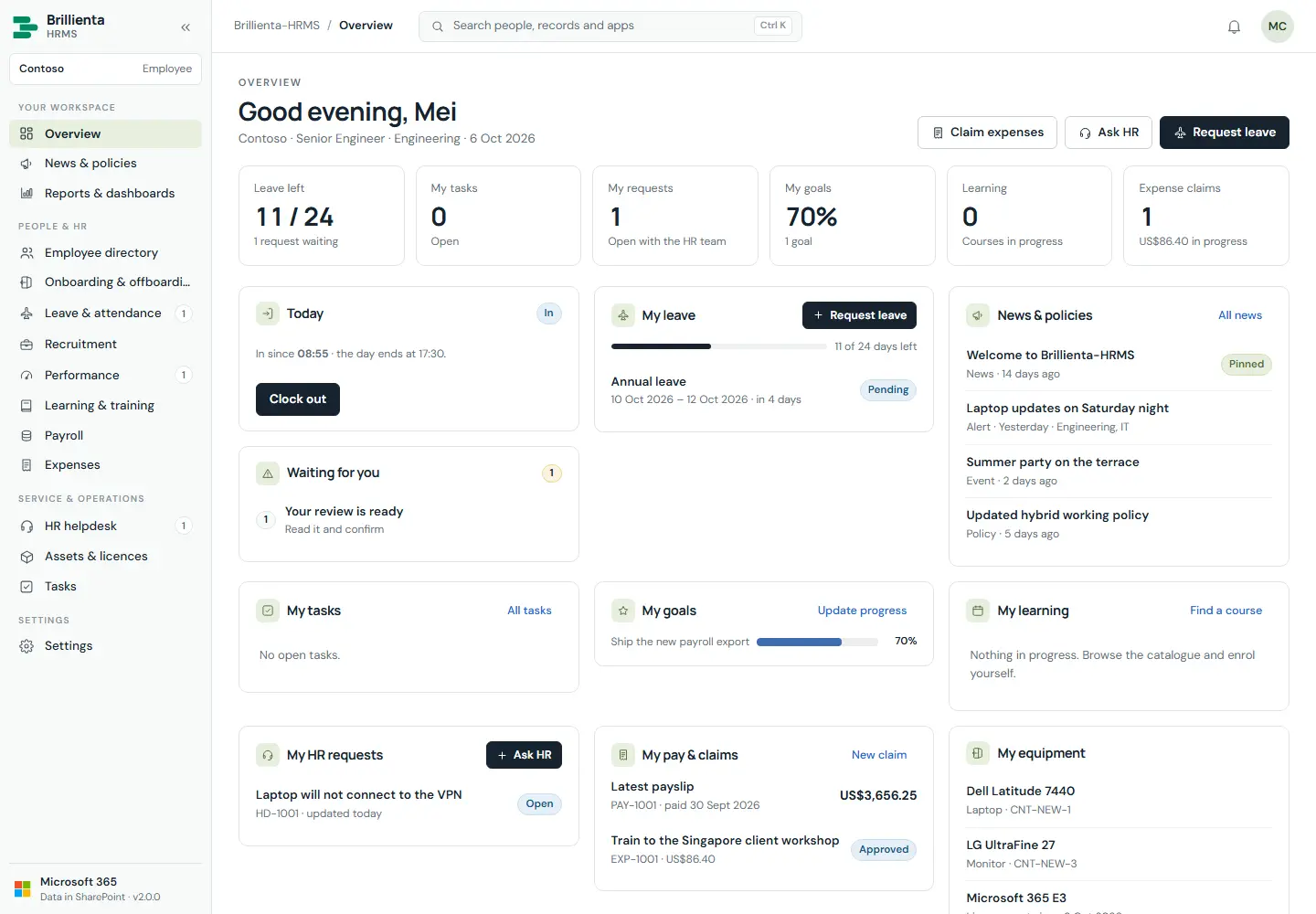
One workspace for everything personal: clock in/out, waiting items (policies/reviews to confirm, own onboarding steps, overdue tasks/courses, draft claims), own leave/tickets/tasks/goals/learning/expenses/equipment/payslips, news and celebrations. Screens outside one's role show an upgrade or access notice instead of data.
Still need help?Our team answers product questions by email, and we can walk you through it on a call.
Open in the full guideContact support