
Knowledge base / Brillienta HRMS / Using the app
HR helpdesk
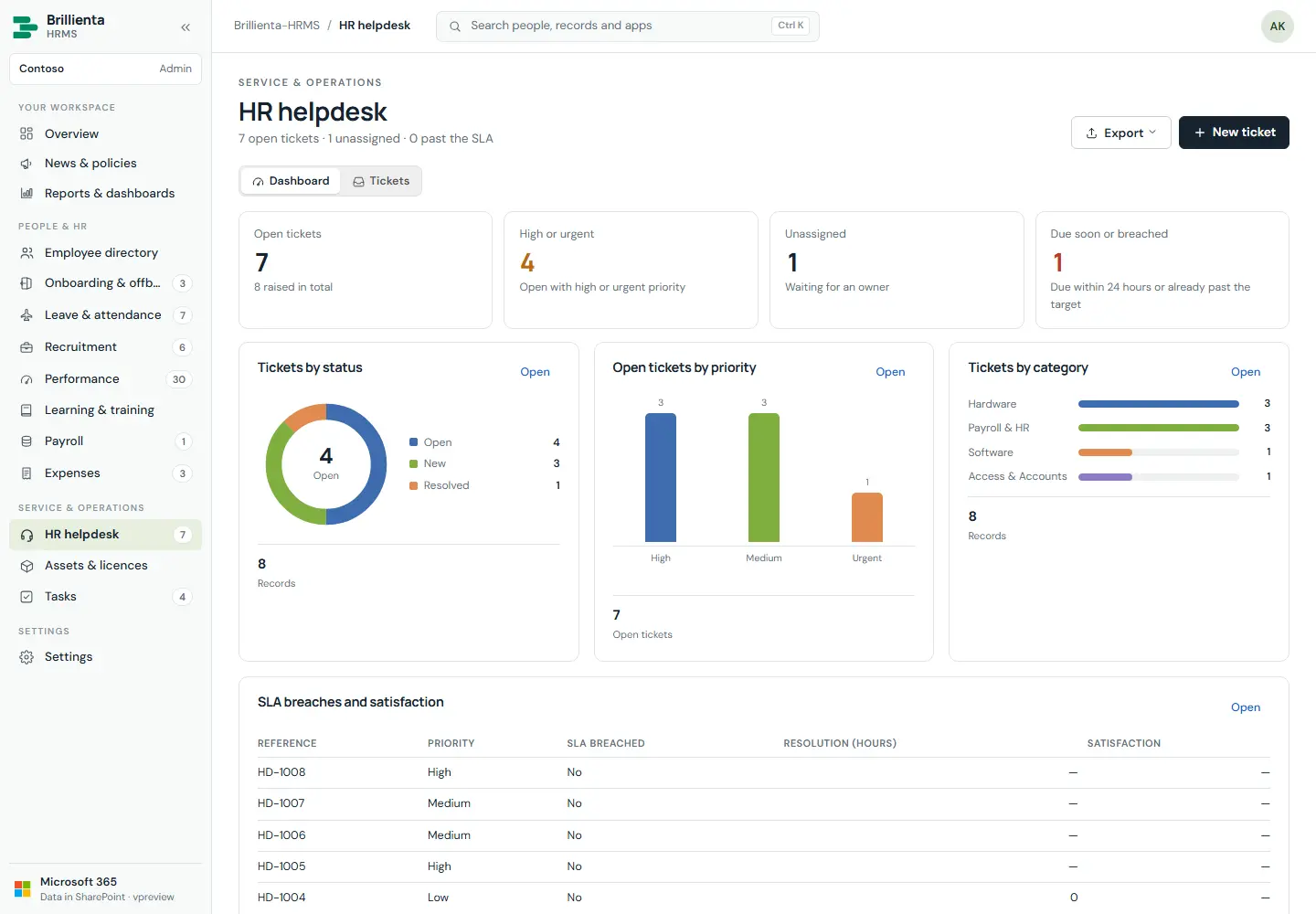
Tickets with reference numbers (HD-1001…), priority, category and SLA targets; public replies and internal notes; assignment; satisfaction rating. Employees raise and follow their own; the dashboard tracks open, high/urgent, unassigned and due-soon/breached tickets by status, priority and category.
How it works
- Employees raise as themselves, edit title/description/category/tags, reply on own tickets, rate resolved tickets 1–5.
- HR assigns, replies publicly or notes internally, resolves; emails fire on receive/new/assign/reply/resolve.
Still need help?Our team answers product questions by email, and we can walk you through it on a call.
Open in the full guideContact support