
Knowledge base / Brillienta HRMS / Administration
Setup wizard
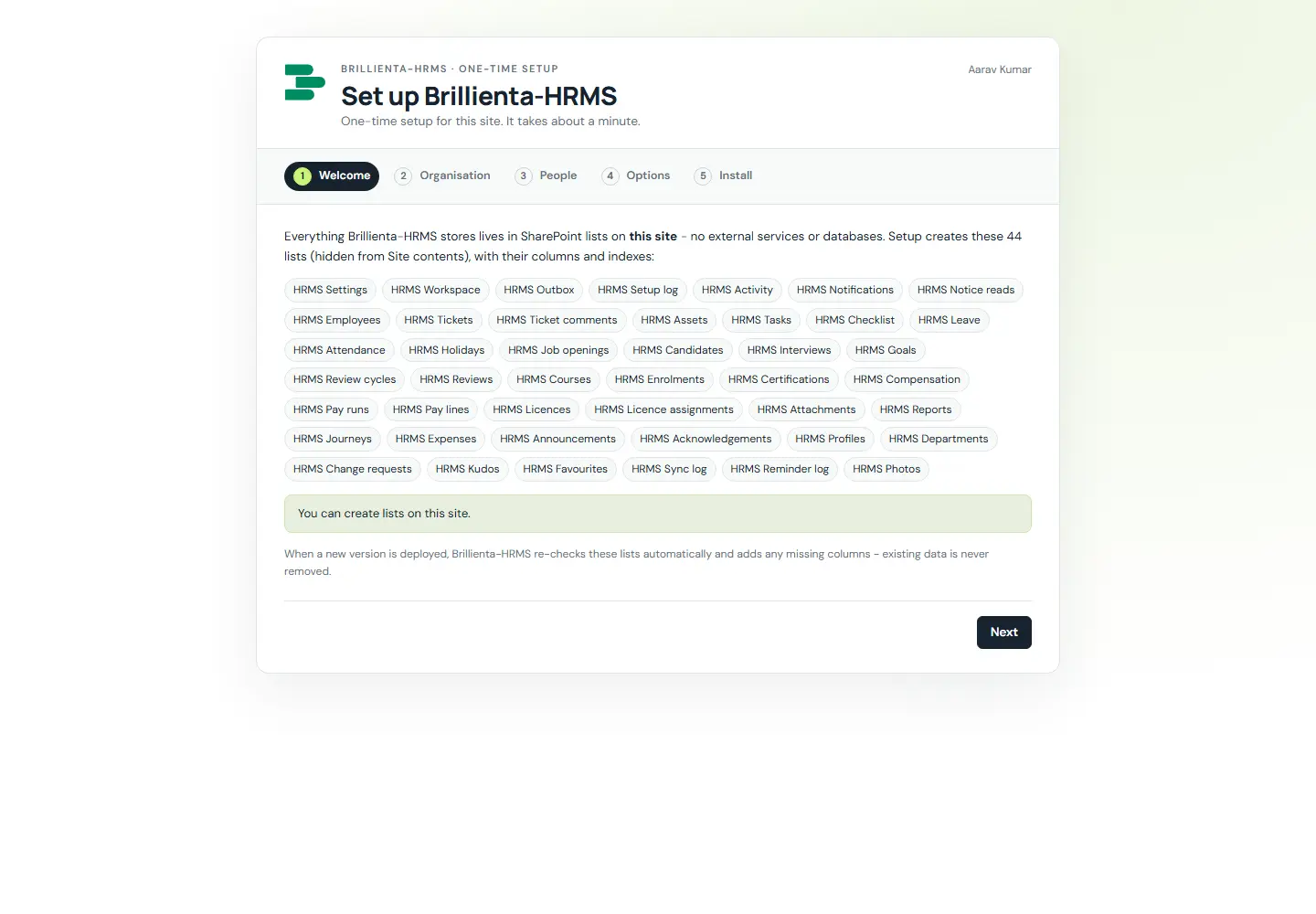
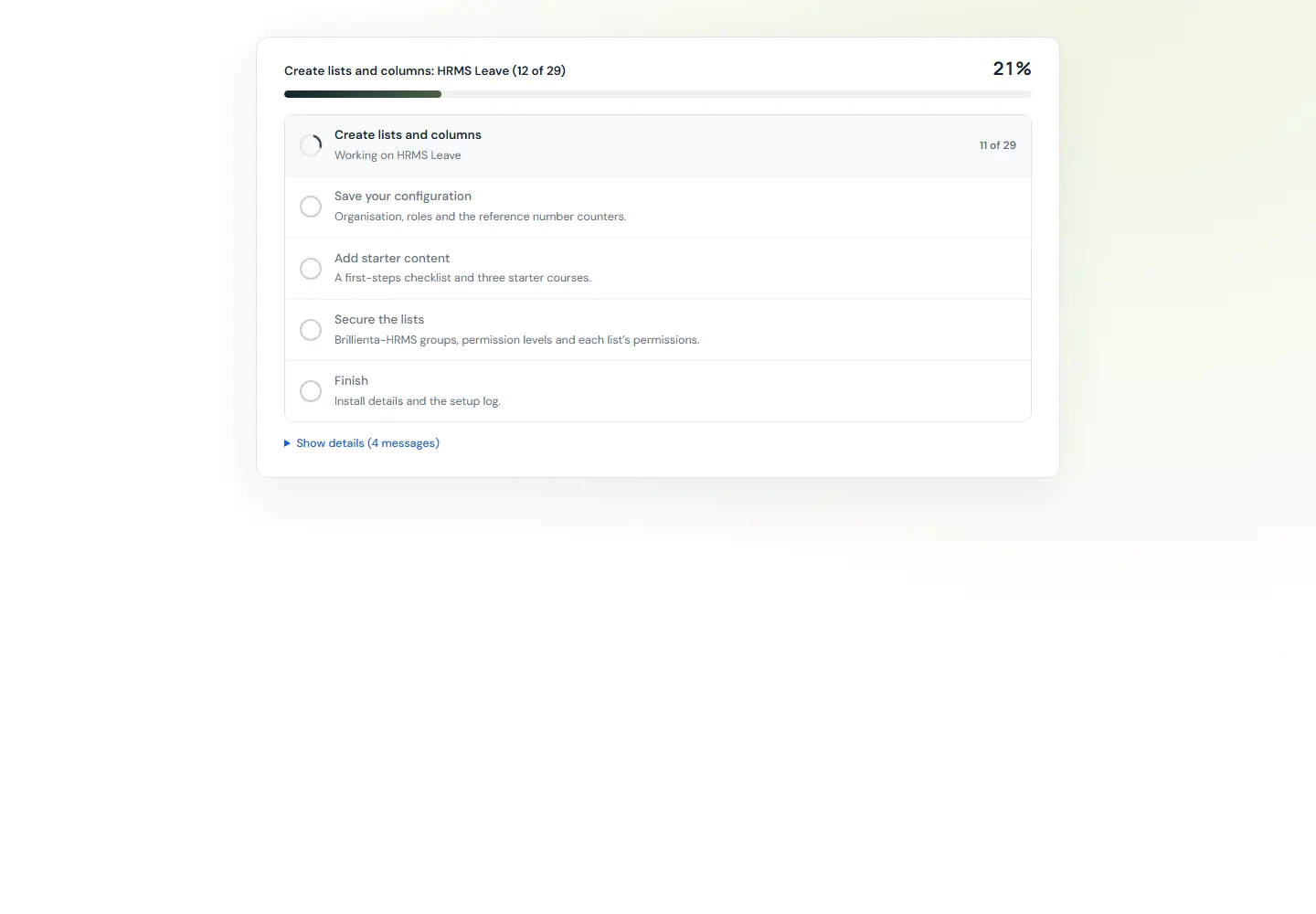
The first person who can manage lists gets a five-step wizard: Welcome → Organisation (name, HR email, time zone, currency, language, date format, ticket prefix, brand colour) → People (admins, HR, asset managers, auditors) → Options (starter content, email, secure the lists) → Install (creates 33 lists, writes config, live log). Everyone else sees "not set up yet" until then.
How it works
- Each release upgrades on first visit by a list manager: only adds lists, columns, indexes, choice values and missing config; never deletes.
- Earlier HRMS releases keep their lists and data; Schema & security can validate and repair at any time.
Still need help?Our team answers product questions by email, and we can walk you through it on a call.
Open in the full guideContact support