
Knowledge base / Brillienta HRMS / Using the app
Payroll & payslips
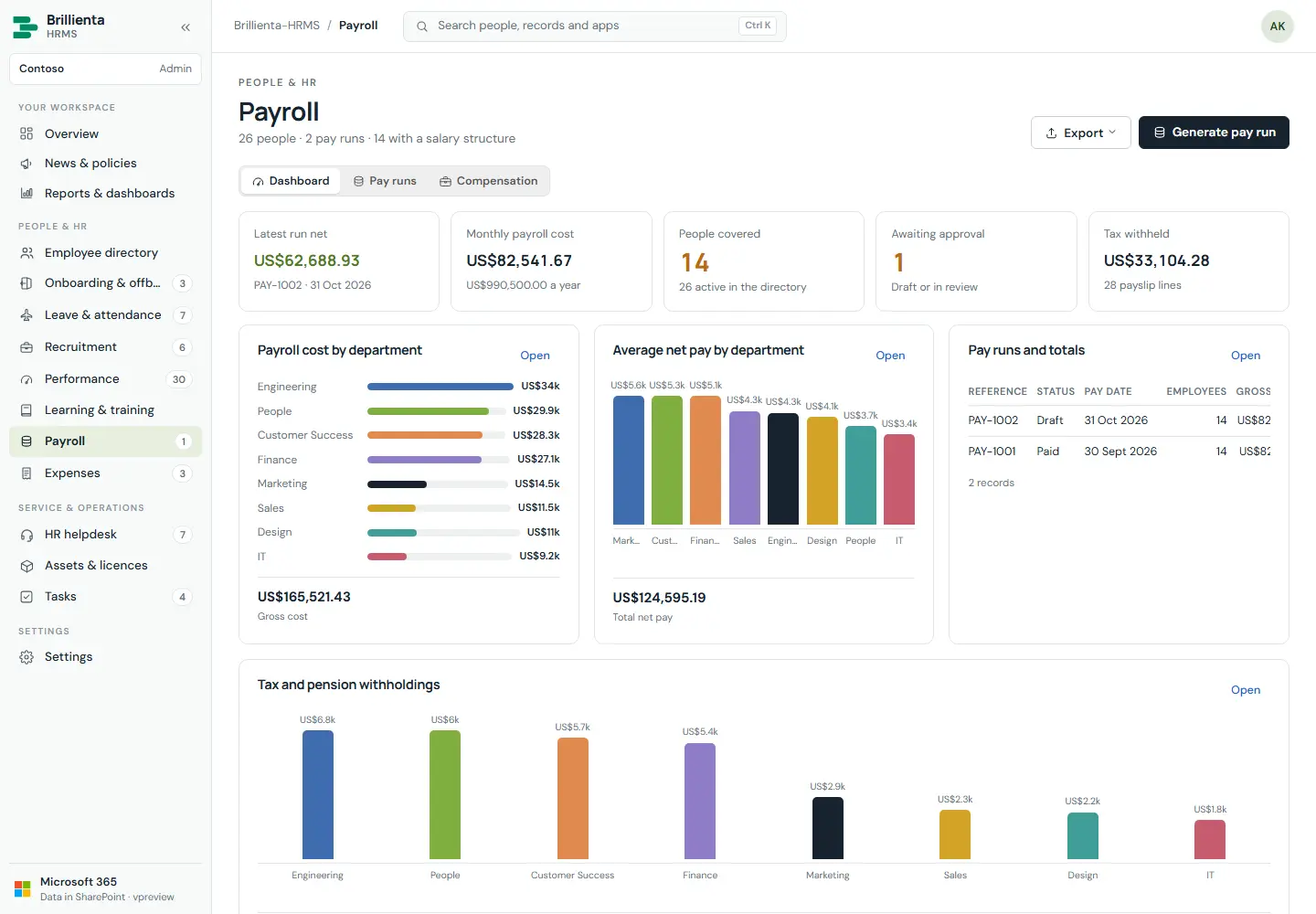
Salary structures, pay runs (Draft → Review → Approved → Paid, or Cancelled) generated from structures, pay lines with tax, pension and expenses paid back. Paying a run releases its payslips; everyone else sees My payslips with year-to-date totals and their salary structure. Payroll lists are closed to the HR team in SharePoint.
How it works
- Paying copies reference/period/pay date onto each pay line, because employees cannot read pay runs — that is how they receive slips.
- Reopening or cancelling a run takes slips back; payslip emails carry no amounts.
Still need help?Our team answers product questions by email, and we can walk you through it on a call.
Open in the full guideContact support