
Knowledge base / Intranet Builder / Using the app
Search & content rollup
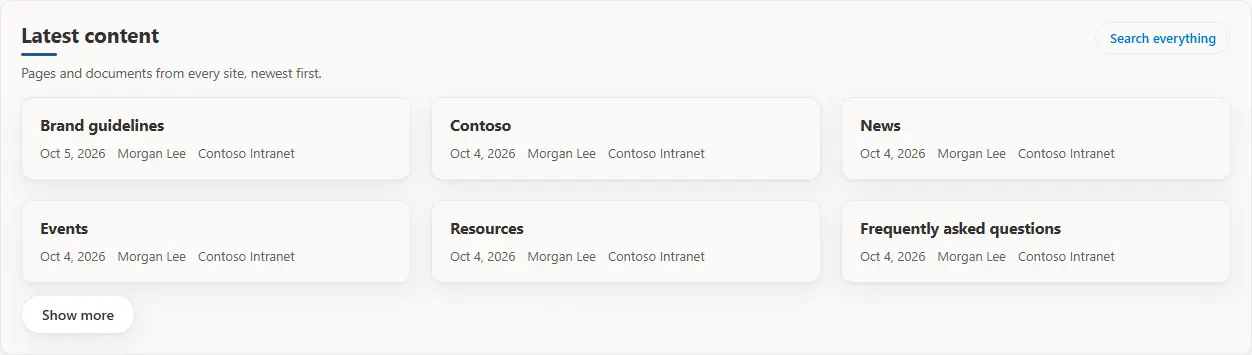
Both search web parts use SharePoint Search with the reader's own permissions: every result is security-trimmed, so each reader only sees content they may already open. New content appears once SharePoint has indexed it, usually within minutes.

ContentType:Policy.How it works
- Search scope: all of Microsoft 365, this hub, this site, or the intranet search setting (Configuration Manager › Search).
- Content excluded from search (sites or libraries with search visibility off) never appears.
- A hub scope on a site that is not in a hub falls back to this site: the web part never searches more widely than chosen.
- To route the SharePoint search box to the intranet search page, a SharePoint administrator sets the site search results page.
Still need help?Our team answers product questions by email, and we can walk you through it on a call.
Open in the full guideContact support