
Knowledge base / Intranet Builder / Administration
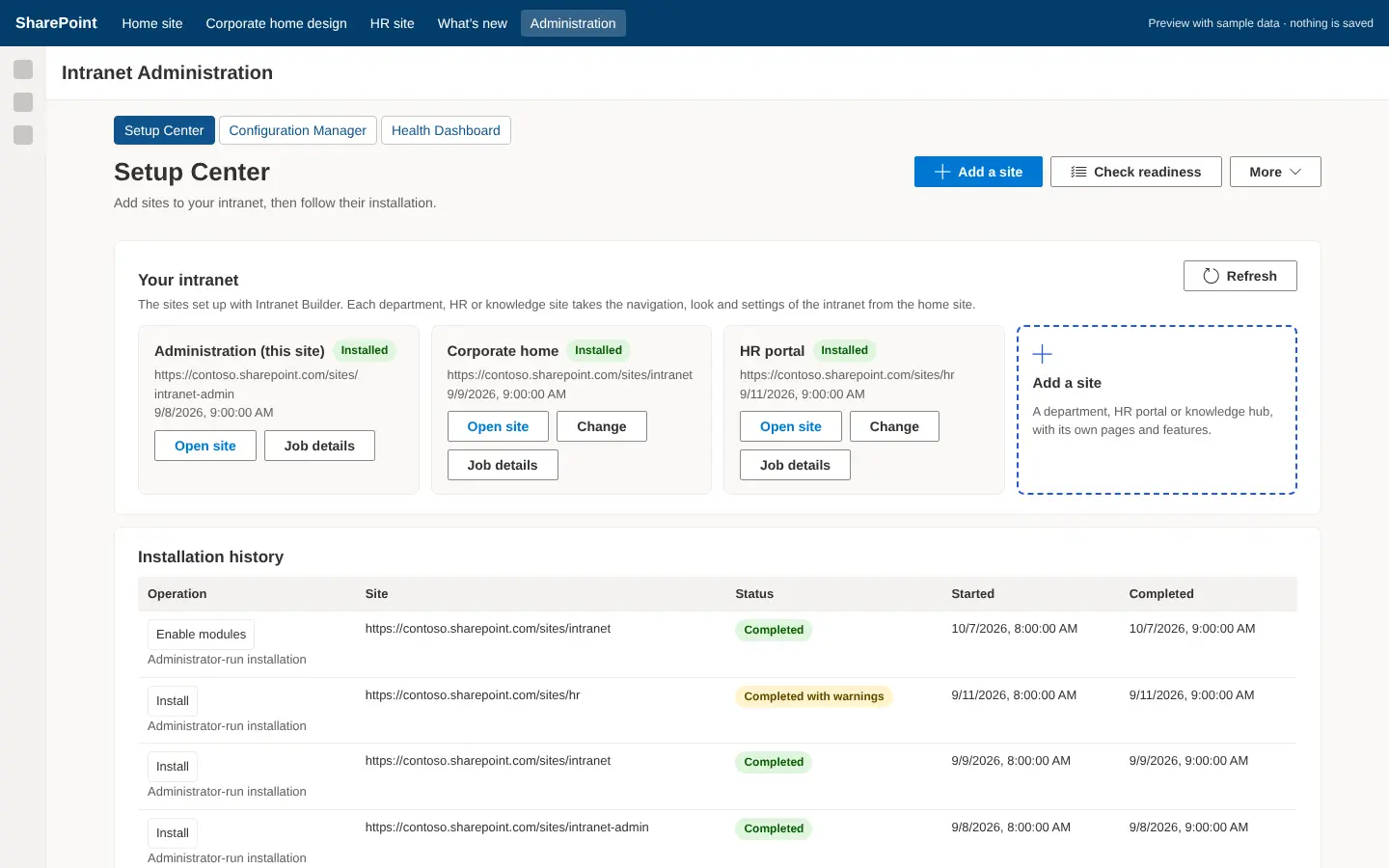
Setup Center
A ten-stage deployment wizard: prerequisites, deployment target, template, modules, branding, data sources, permissions, change preview, provisioning and launch checklist. It produces the configuration file and the exact commands to run, then follows the job.
How it works
- Prerequisites checks the app catalog, packages, permissions, API access and installation mode (administrator-run or automated).
- Modules add their dependencies automatically; the module guides describe each one.
- Data sources create new lists or map existing ones; a mapping is validated against the live list.
- Change preview marks each operation + create, ~ update, = ensure, ! conflict, x error. Resolve conflicts before installing.
- Provisioning downloads the JSON configuration and shows the three commands; the launch checklist verifies content, links, permissions and publication.
Still need help?Our team answers product questions by email, and we can walk you through it on a call.
Open in the full guideContact support