
Knowledge base / Intranet Builder / Using the app
Corporate home
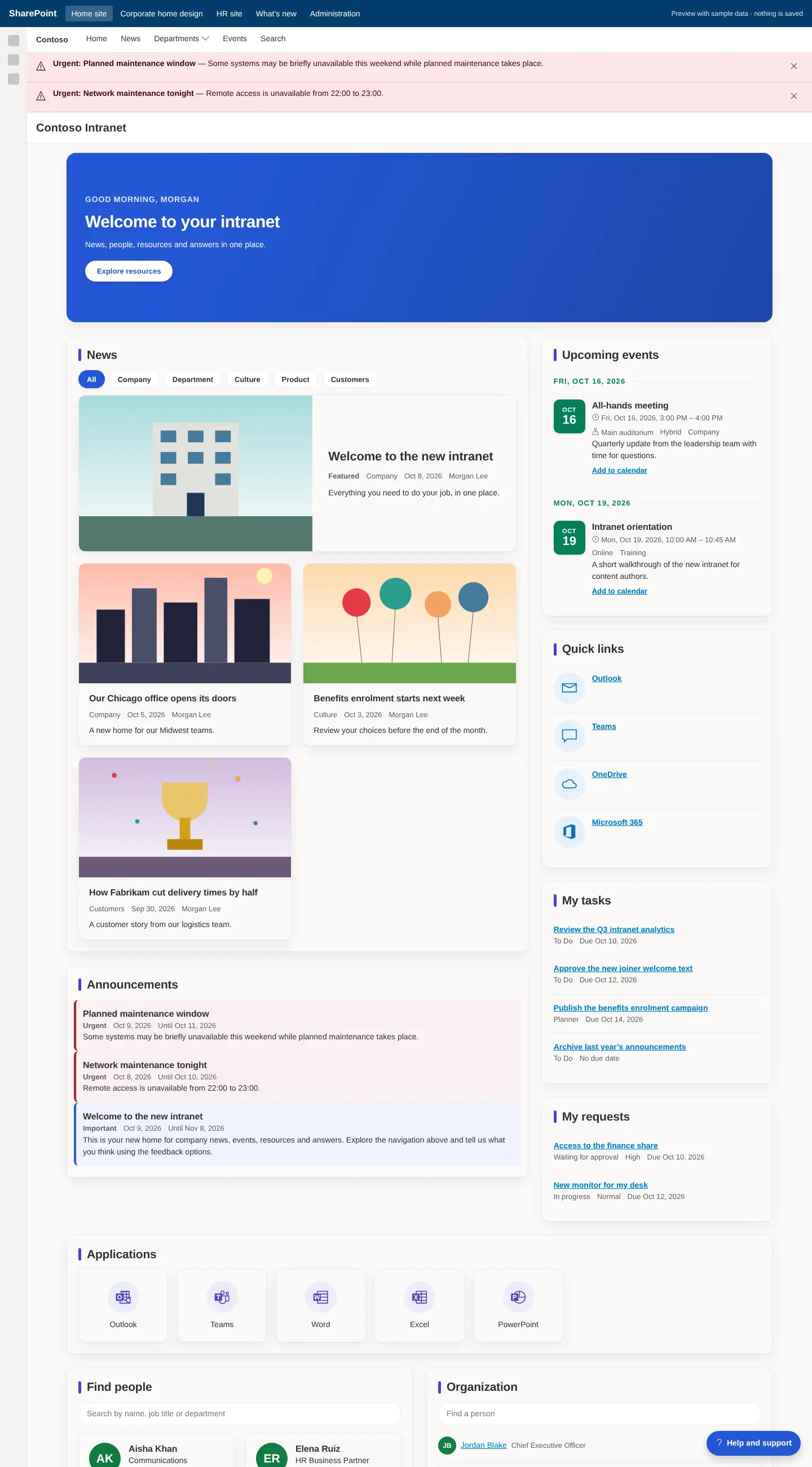
The front door: a personal greeting with campaigns, featured news, announcements, events, quick links, personal tasks and requests, applications, people, ideas and documents, then search and page feedback. Global settings and shared lists live here; the other sites read them from here.

How it works
- Template pages are recorded as managed: editing a page protects it from being overwritten by later updates.
- Every content web part offers a description, a "See all" link, a frame, compact or comfortable spacing, hiding when empty, and Entra ID group audience targeting.
- List queries select only needed columns, filter and sort on indexed columns and page on the server, so large lists keep working.
- Published configuration is cached with explicit expiry; personal data is never cached in storage.
Still need help?Our team answers product questions by email, and we can walk you through it on a call.
Open in the full guideContact support